Inventory visibility without operational noise
xnoll Inventory helps teams maintain reliable stock levels, reduce stock-outs, and keep clear movement history for audit and planning.
Stock movement tracking
Every in/out entry remains visible by item, date, and source.
Reorder intelligence
Low-stock signaling supports timely purchase decisions.
Reporting readiness
Category/location insights improve planning and control.
Why inventory must connect to ERP
If inventory and ERP are disconnected, teams lose clarity between stock and revenue events. xnoll keeps inventory close to purchase and billing flows so reports stay consistent.
- Purchase impact on stock is visible instantly
- Sales events reflect in item movement records
- Inventory data supports management reporting confidence
Inventory fit
Distribution teams and production-led businesses
Businesses with SKU complexity and fast-moving stock
Teams moving away from manual stock reconciliation
Real Inventory online app screenshots
Displayed as-is for clarity.
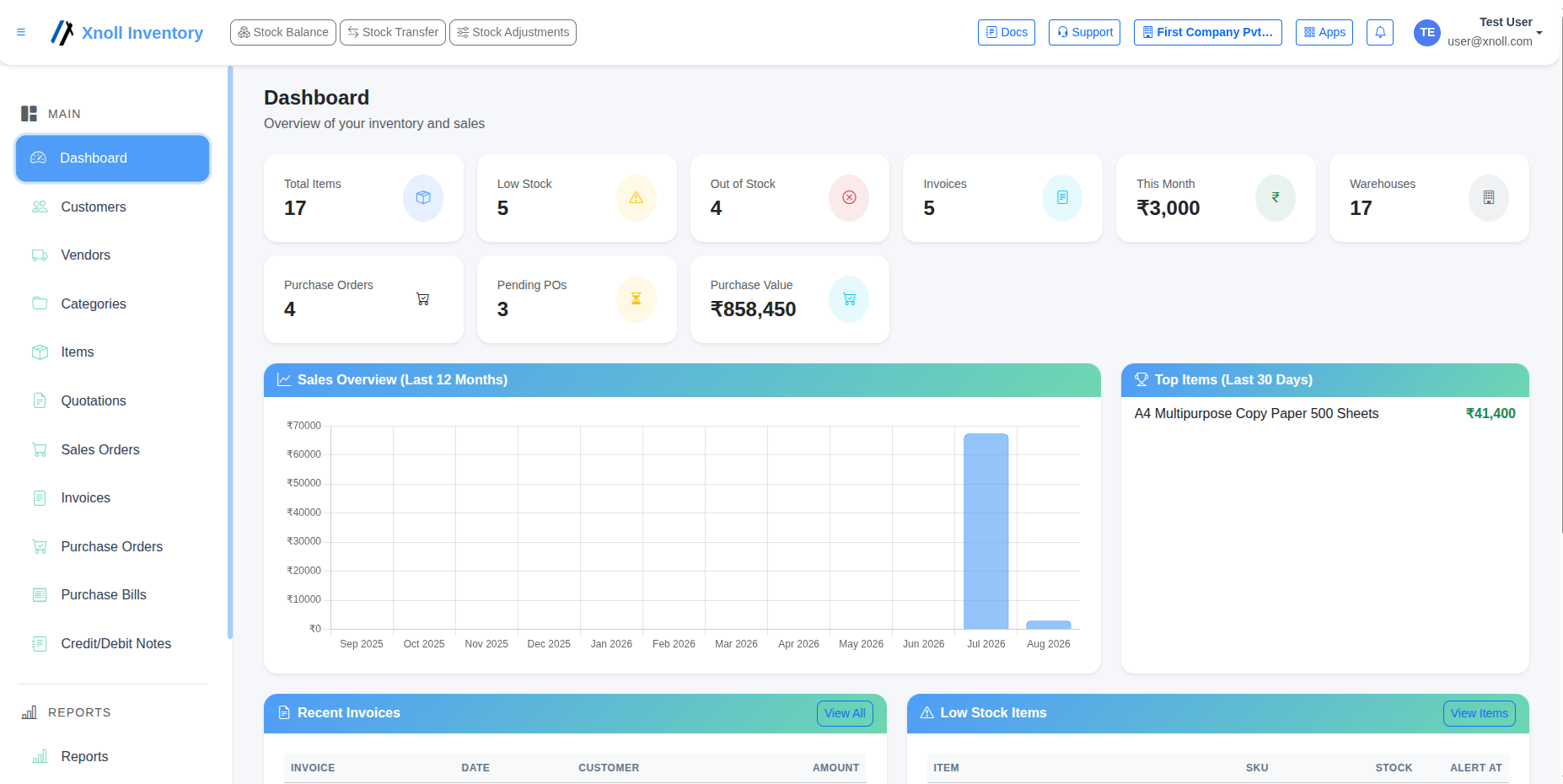
Inventory Dashboard
Comprehensive overview of stock levels, low stock alerts, and recent movements.
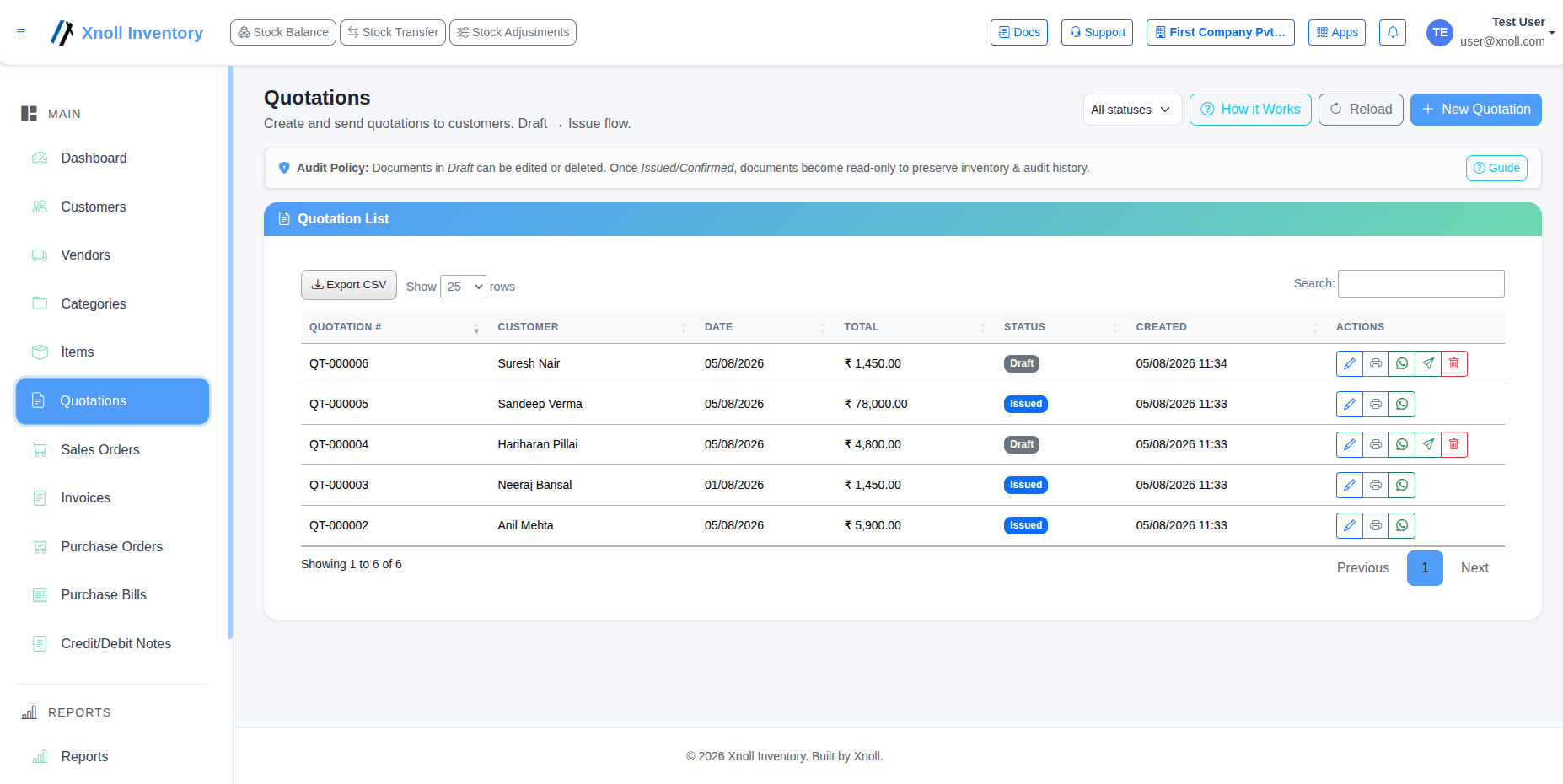
Quotations
Generate and manage customer quotations with quick convert-to-invoice workflows.
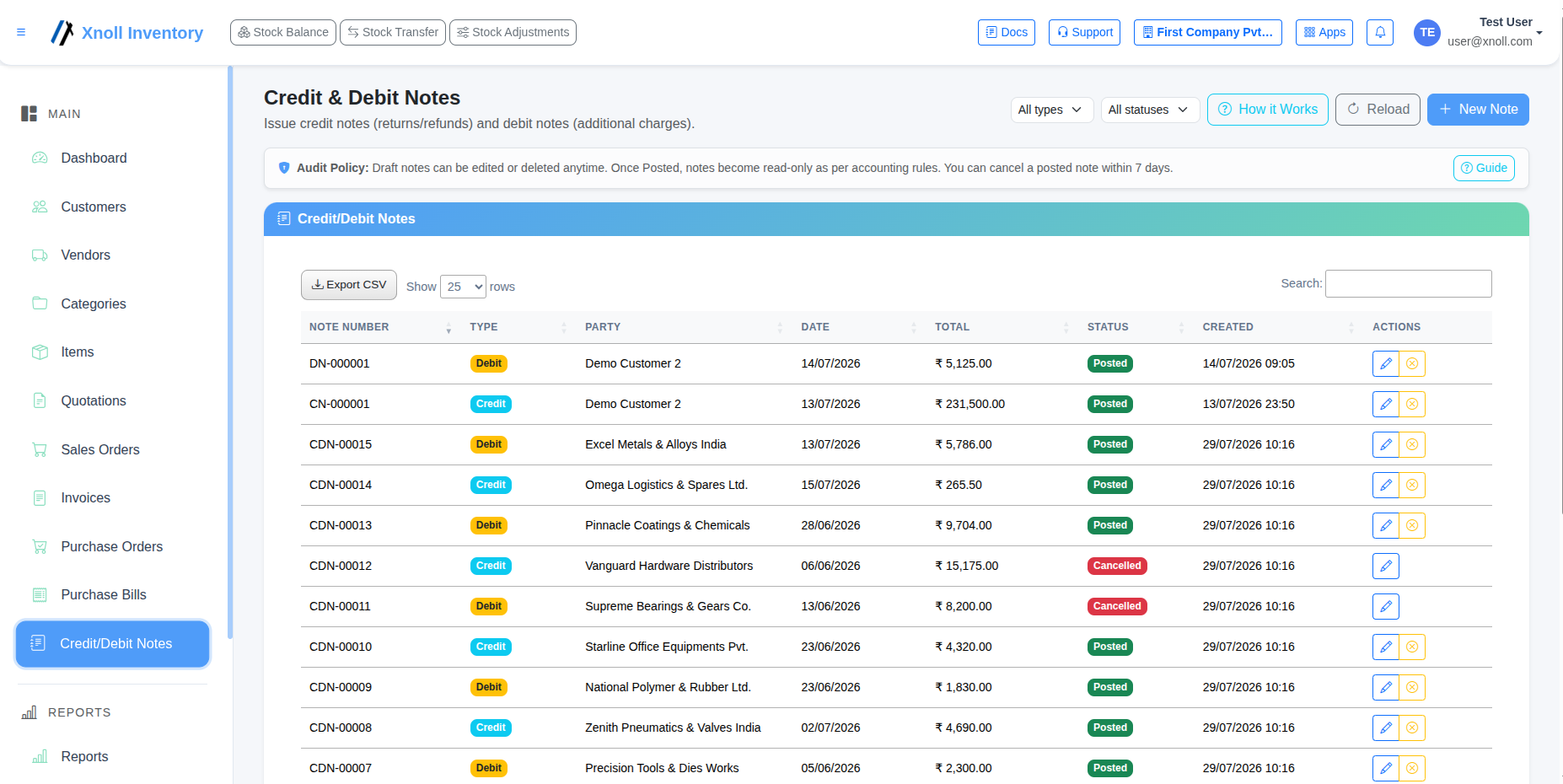
Credit & Debit Notes
Easily issue and track credit/debit notes against purchase or sales returns.
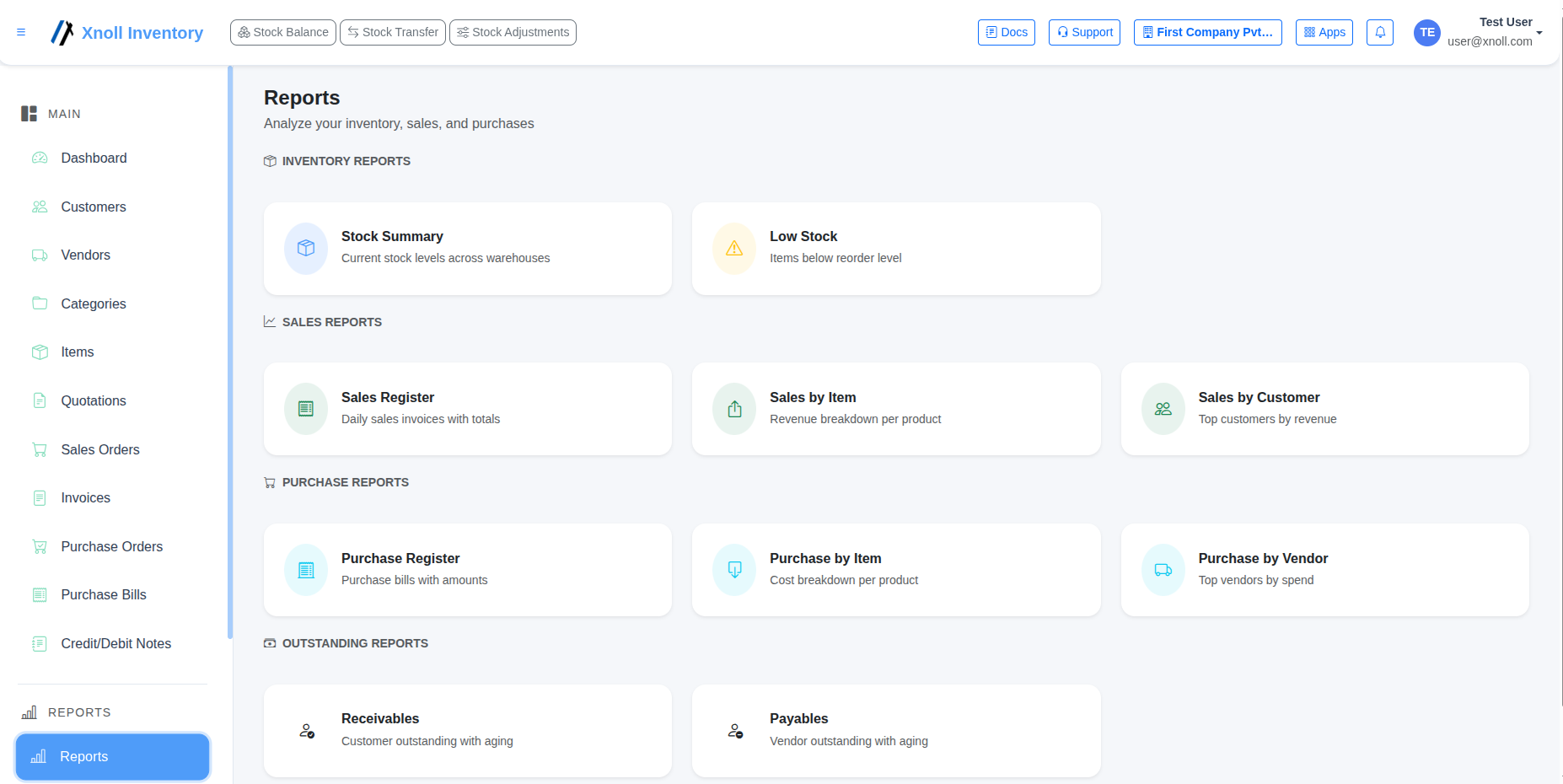
Inventory Reports
Detailed reporting on stock valuation, fast moving items, and consumption.
Inventory desktop interface preview
Free forever, works offline, unlimited updates. Download available only after signup.
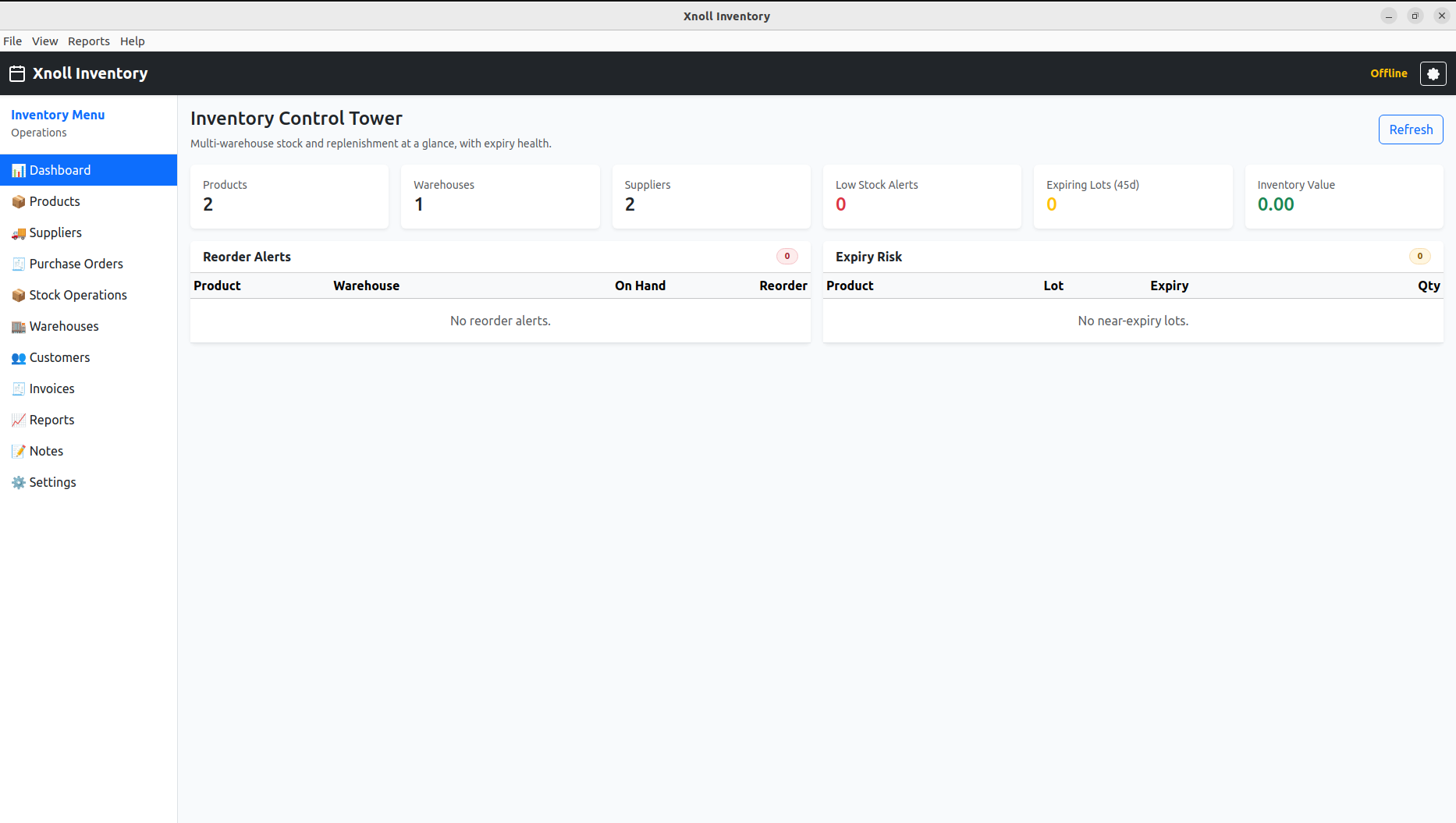
Inventory Control Tower
At-a-glance inventory summary across products, warehouses, suppliers, and alerts.
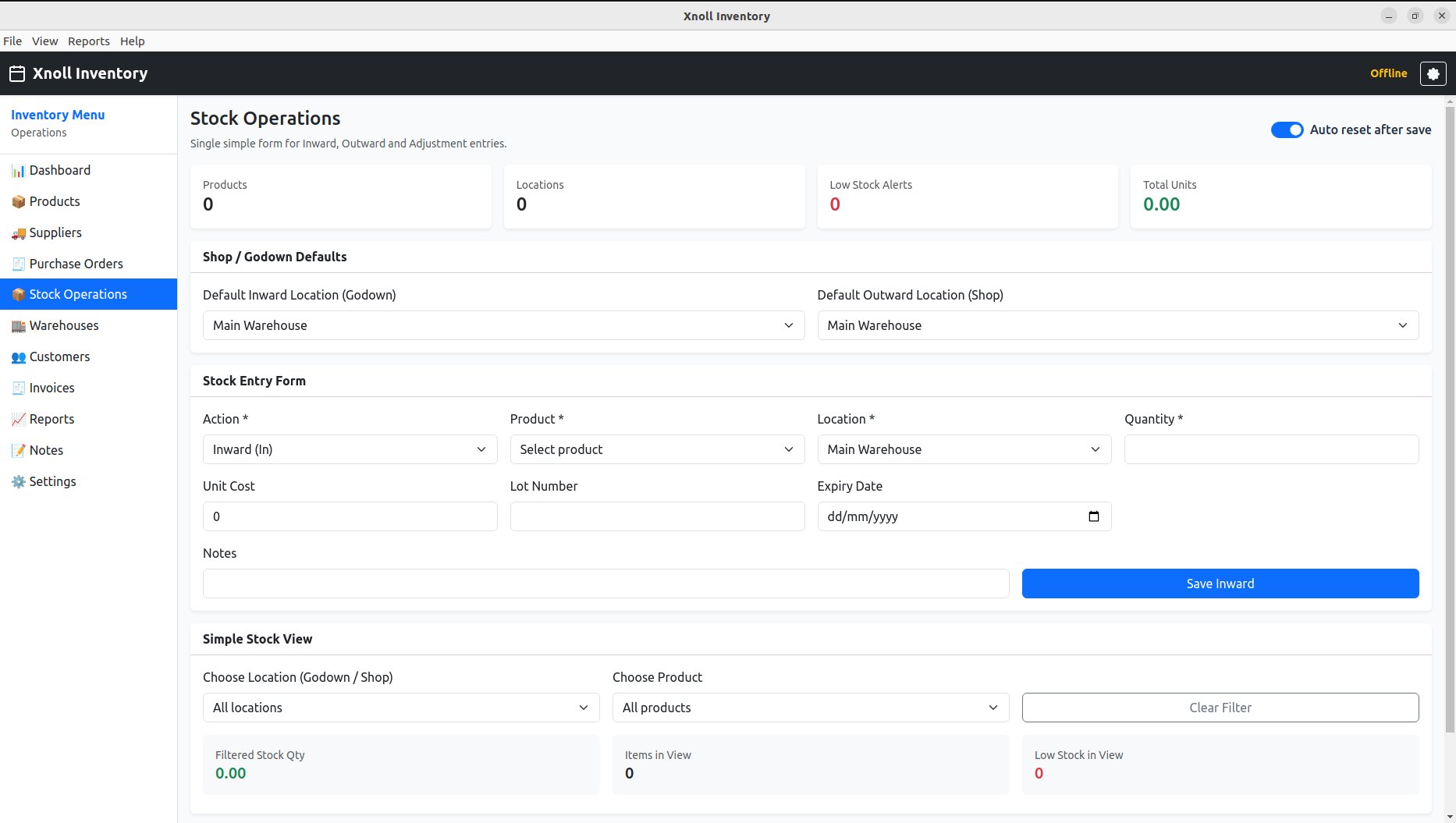
Stock Operations
Simple inward/outward stock entry with location mapping and stock filters.
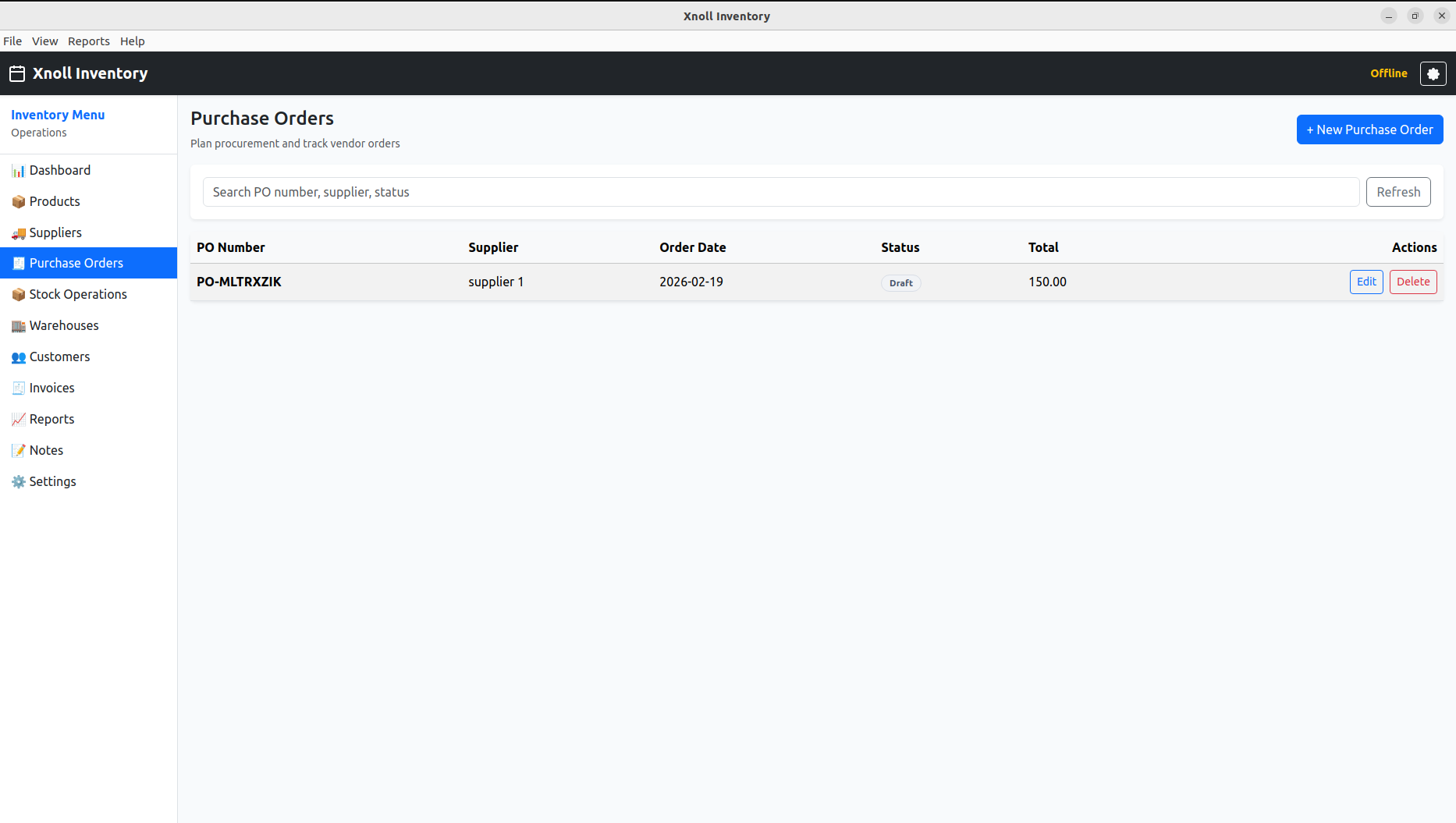
Purchase Orders
Supplier-wise purchase planning with order status and quick action controls.
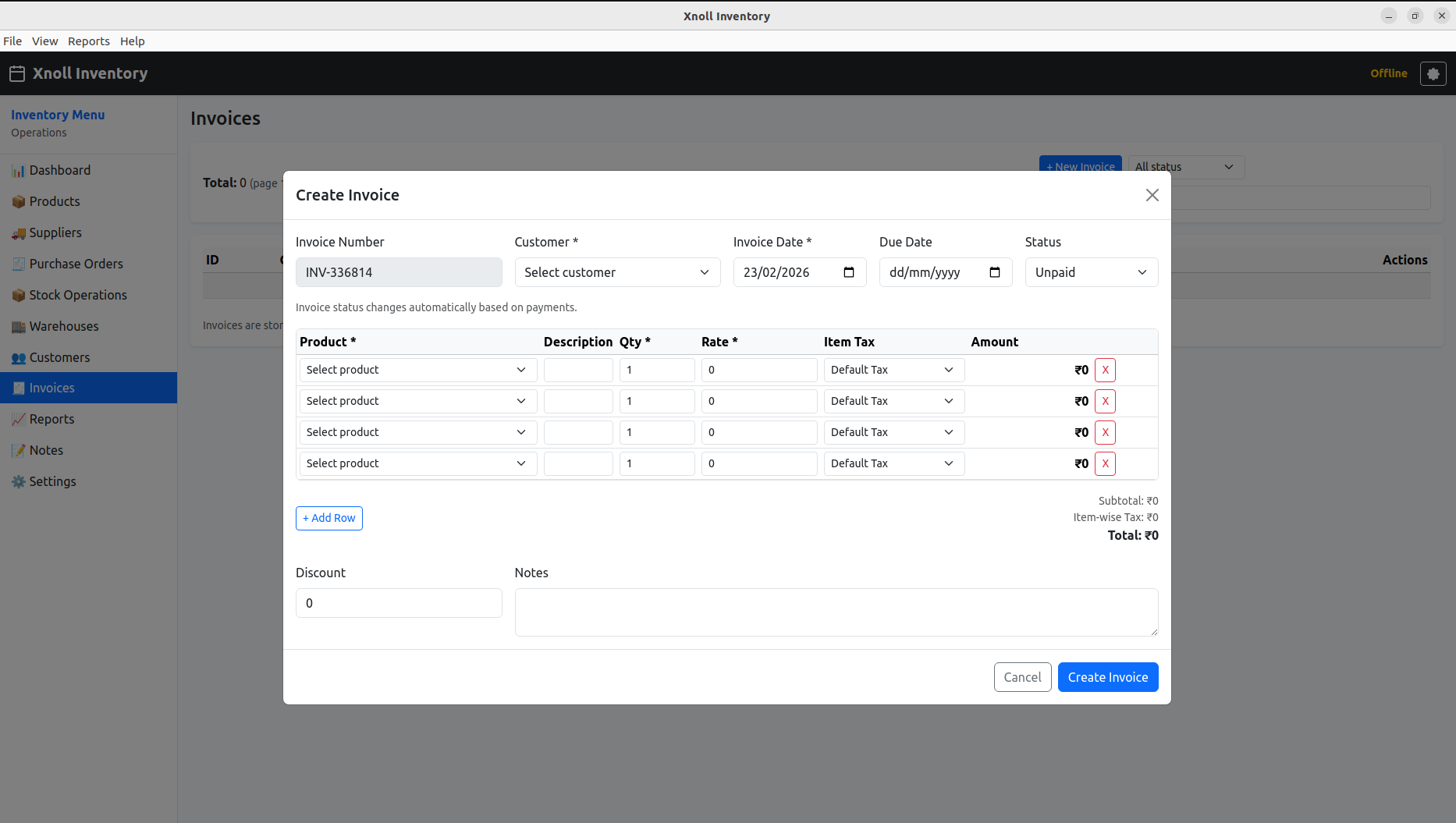
Invoice Creation
Create invoice with line-item tax, notes, and payment status controls.
Inventory FAQ
Can inventory run independently?
Yes, and it gains additional value when connected with ERP and billing events.
Is low-stock automation available?
The recommended design includes threshold-based stock awareness and purchase triggers.
Can I add this later after ERP launch?
Yes. The suite model is intentionally built for phased product adoption.
How can I download Inventory Desktop?
Create an account first, then download from your desktop apps area. Desktop download is free forever.