ERP that connects operations, finance, and stock
xnoll ERP is built for businesses that need practical control over purchase, production, sales, invoicing, and inventory without overloaded enterprise complexity.
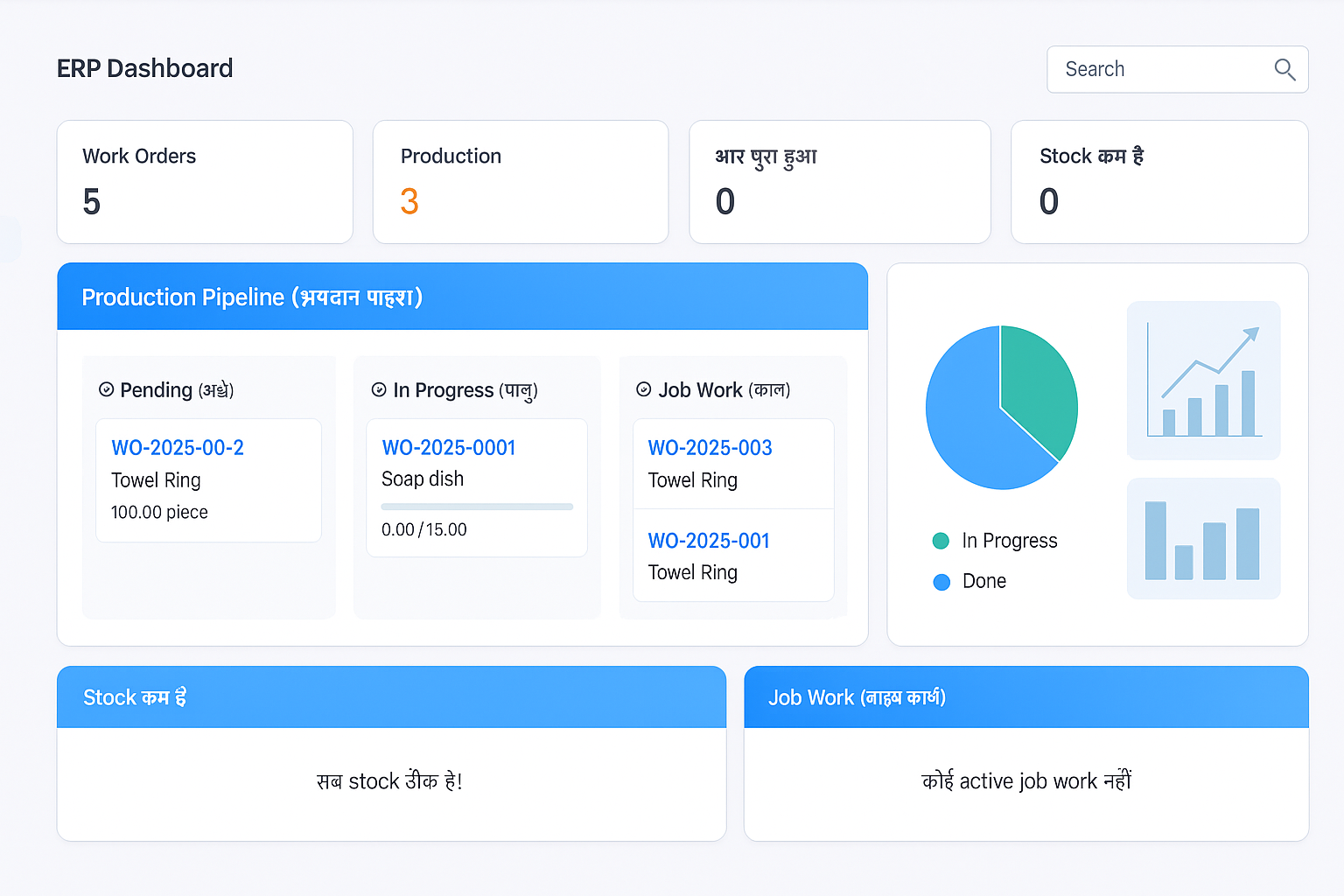
Core ERP modules
Procurement
Purchase requests, vendor management, and incoming stock validation.
Production
Batch control, raw material consumption, and output tracking visibility.
Inventory
Stock in/out flow, valuation visibility, and reorder awareness.
Billing
Invoice-ready sales flow with connected payment tracking.
Business outcomes ERP should deliver
- Reduce manual reconciliation between stock and billing
- Improve production planning with reliable material data
- Get faster visibility for purchase and sales decisions
- Control operations with company-wise permissions
- Standardize reporting for management reviews
ERP + Suite Advantage
ERP can operate standalone and still connect with booking and inventory apps.
Use a common company, member role, and subscription architecture.
Scale to additional products without rebuilding the core system.
Real ERP online app screenshots
Displayed as-is for clarity. Optional blur mode is available for public launch variants.
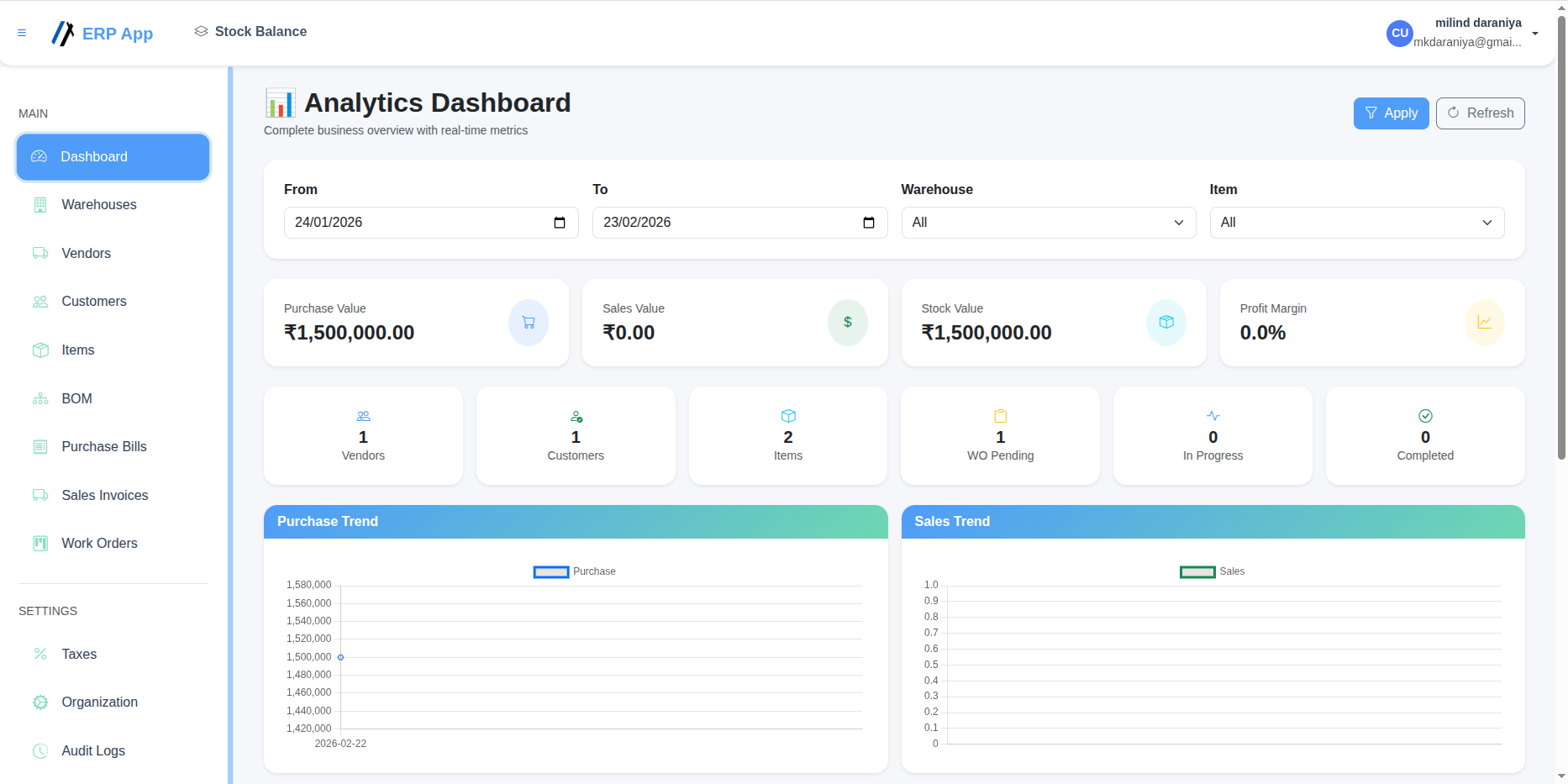
Analytics Dashboard
Business overview with purchase, stock, profit, and work order indicators.
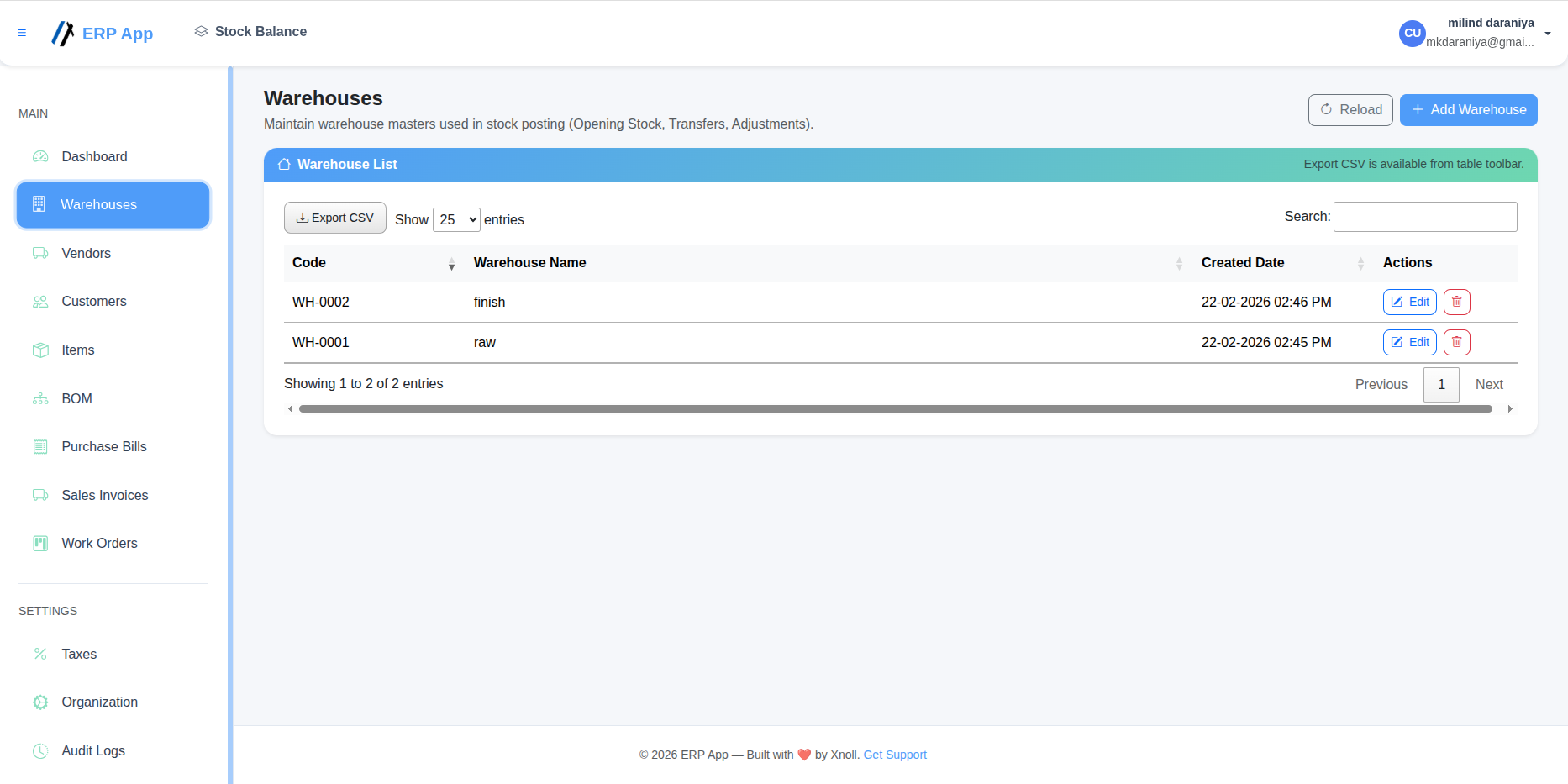
Warehouses
Warehouse master management for stock posting and movement control.
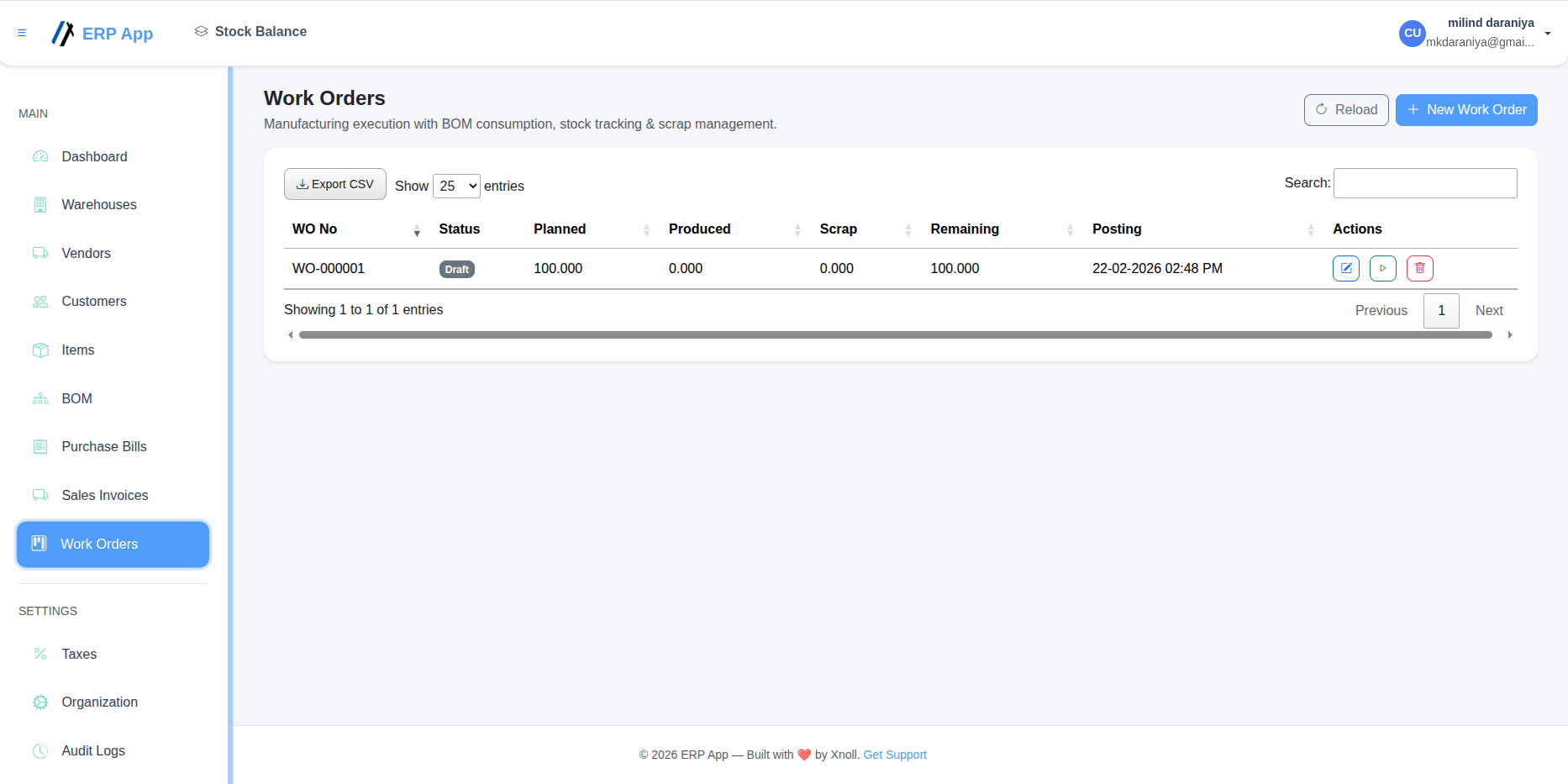
Work Orders
Manufacturing execution with BOM consumption, output tracking, and scrap visibility.
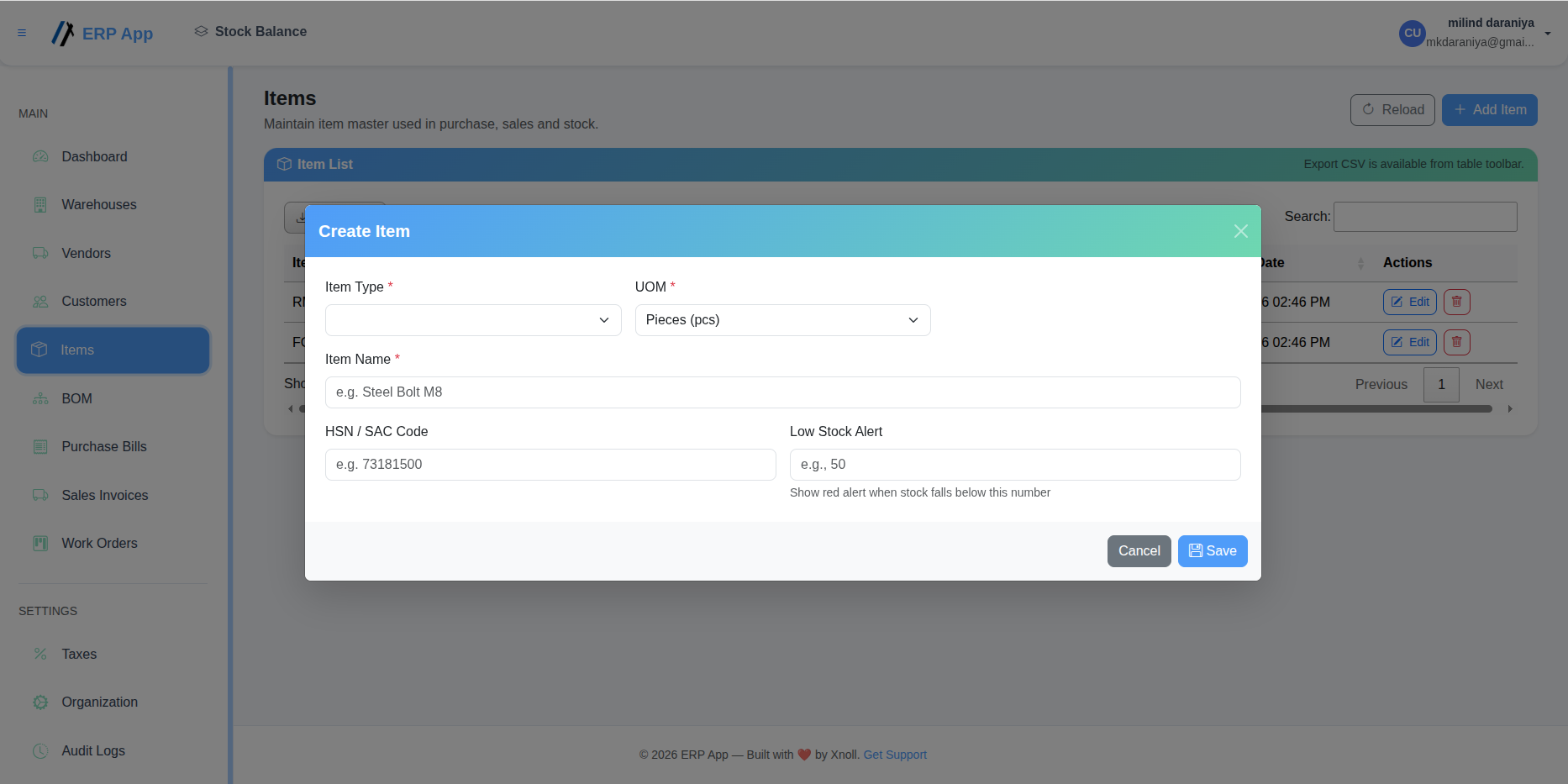
Item Creation
Item master creation with type, UOM, HSN/SAC code, and low stock thresholds.
ERP FAQ
Is this ERP suitable for SMEs?
Yes. The implementation approach is designed for growing teams that need operational control without heavy setup complexity.
Can ERP and inventory share the same data model?
Yes. Inventory movement and ERP transactions should stay connected to avoid fragmented reporting.
How does ERP connect to billing?
Billing and subscription layers can run through your existing payment and invoice infrastructure, including Razorpay flows.