Free offline Booking & Inventory software
Two free desktop apps are available today: Booking and Inventory. Sign in to your account to download. They work offline, include unlimited free updates, and more offline tools may be added later.
Free Forever
No desktop app license fee.
Works Offline
Continue operations even with unstable internet.
Unlimited Updates
Get all desktop updates free without update caps.
Booking desktop app (free)
Offline-friendly scheduling and front-desk workflows. Create an account or sign in to download.
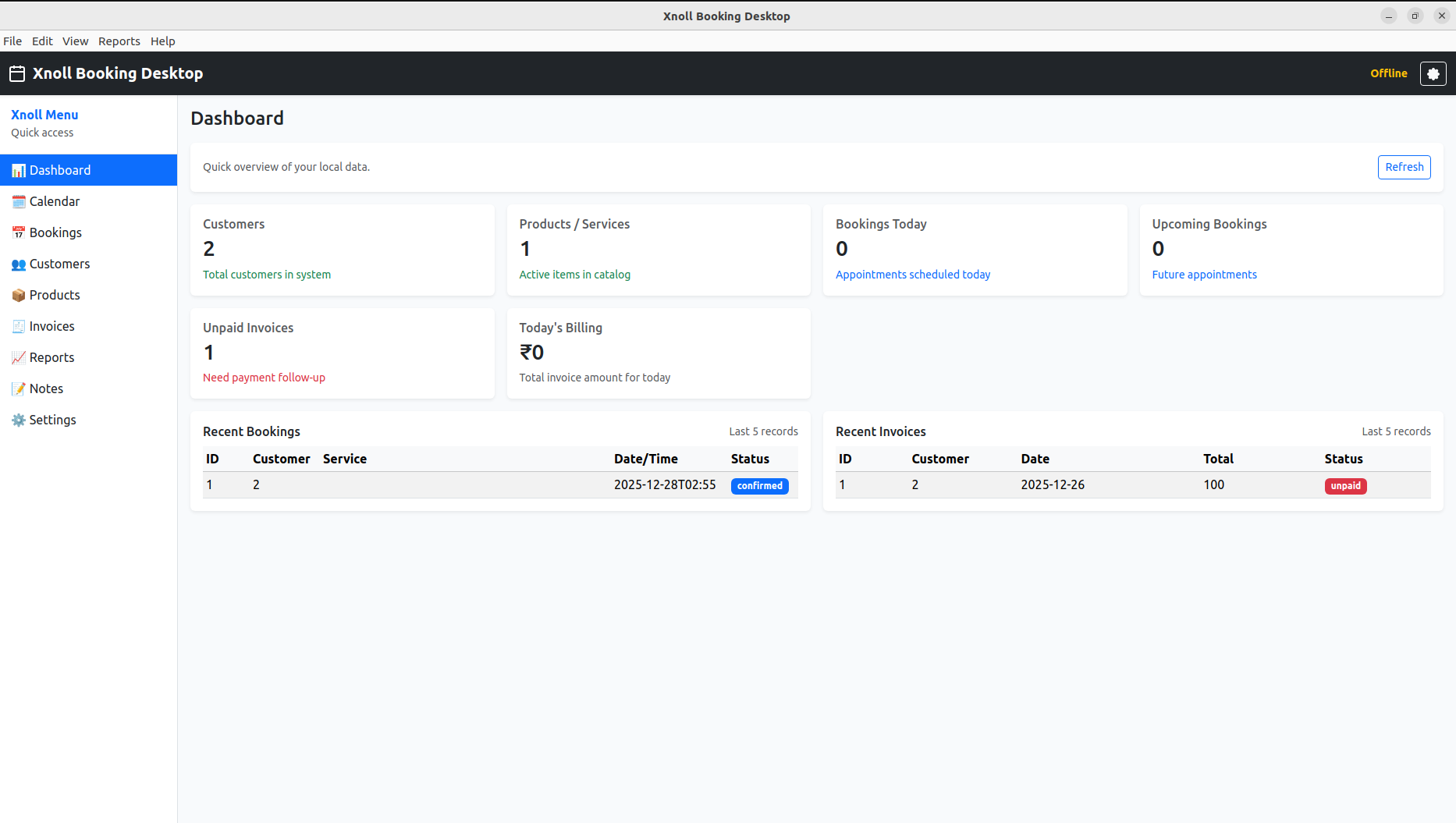
Dashboard Overview
Quick daily snapshot of customers, bookings, invoices, and today billing.
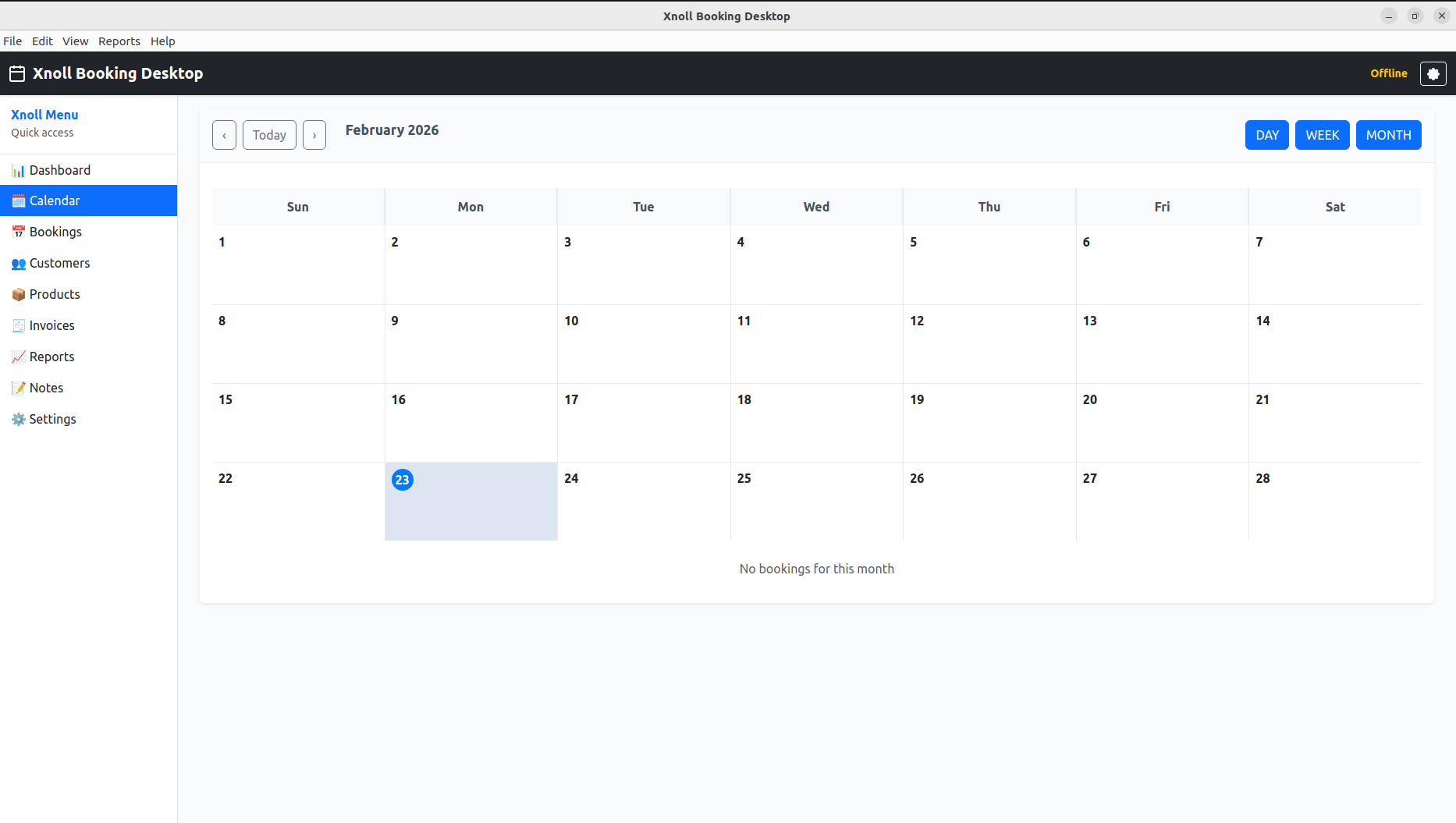
Calendar View
Month/week/day calendar for appointment visibility and staff schedule planning.
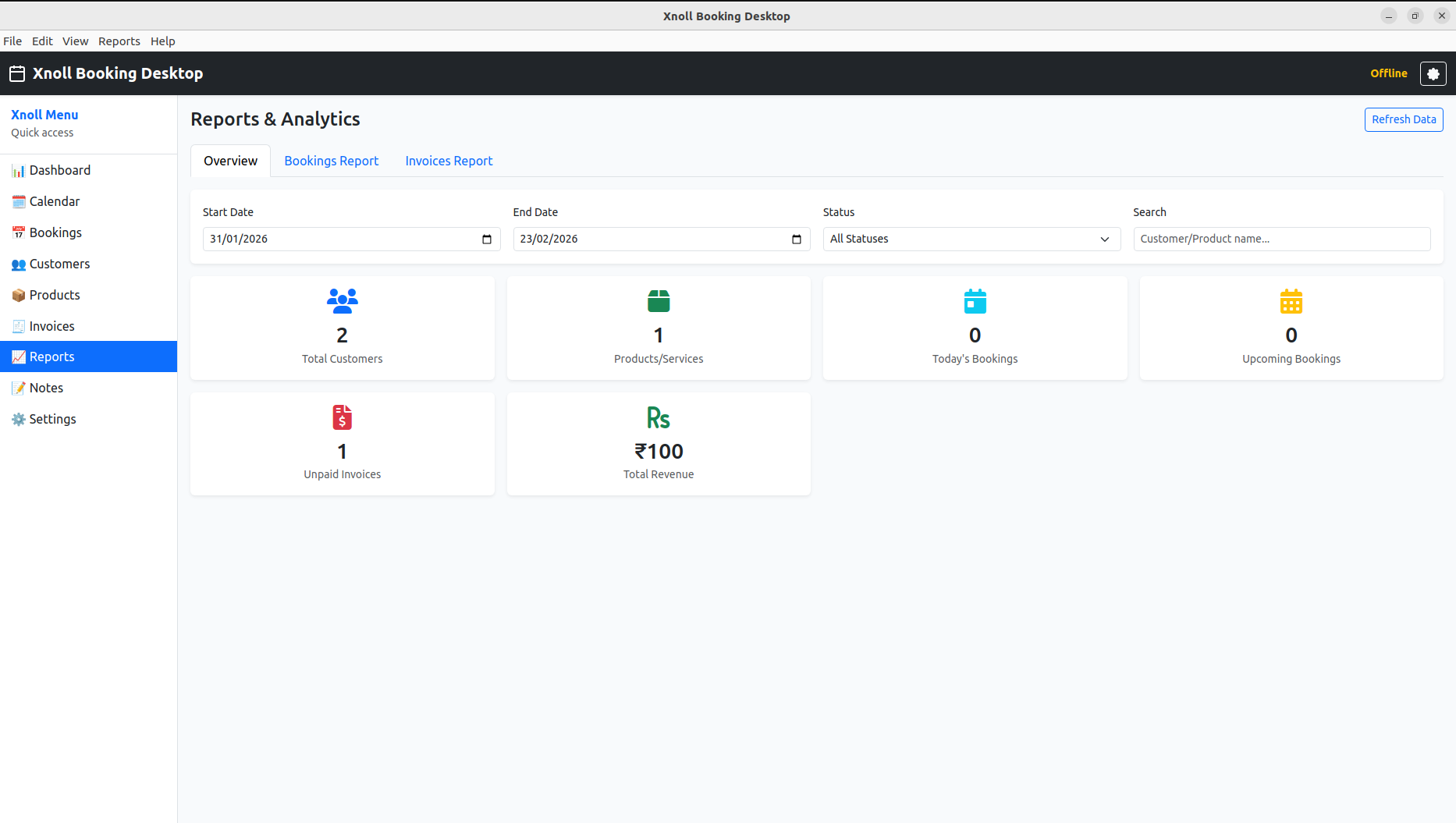
Reports & Analytics
Bookings, invoices, revenue, and summary KPIs for faster operational decisions.
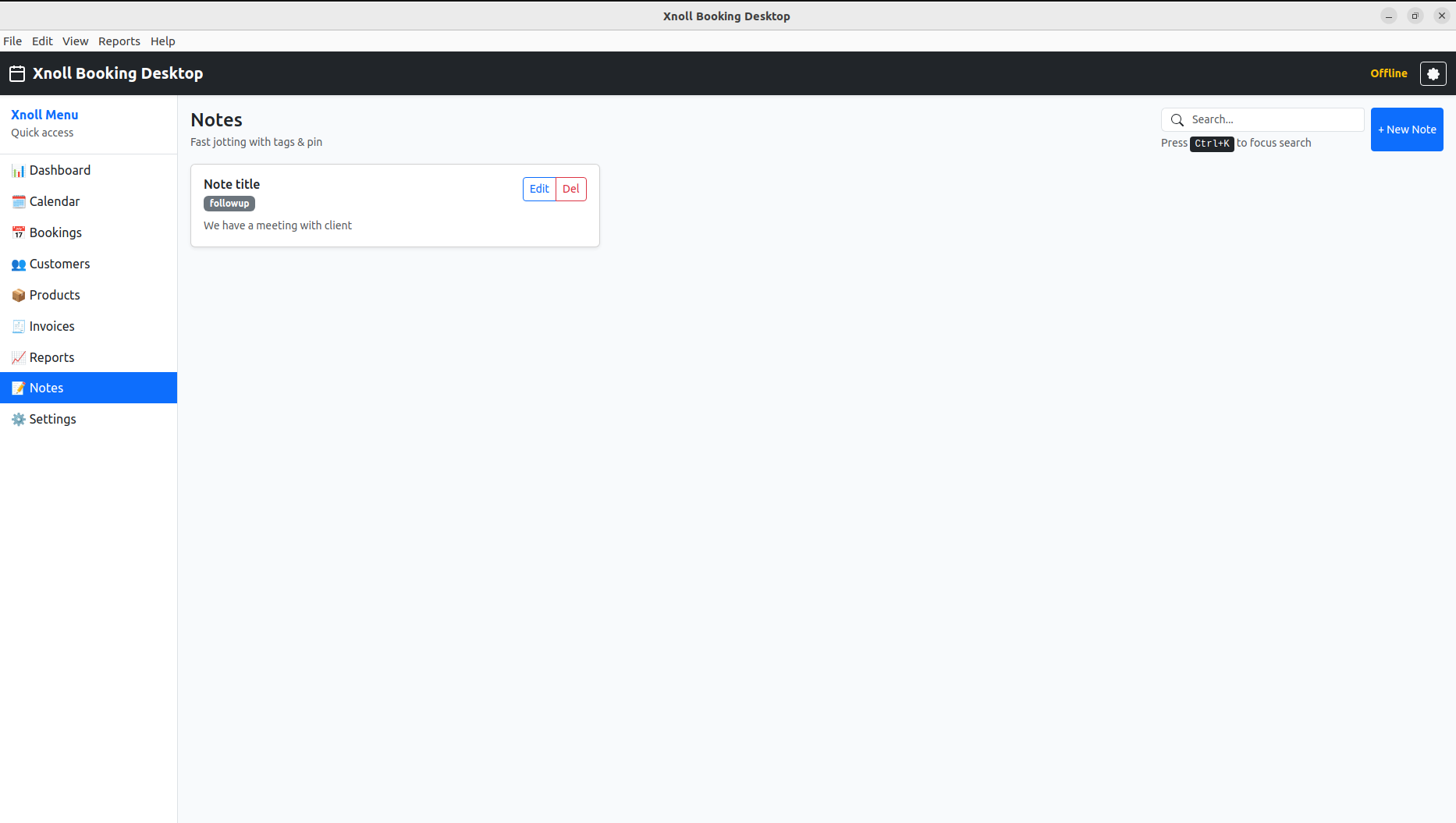
Notes & Follow-up
Pin notes, tags, and reminders for customer follow-up and service context.
Inventory desktop app (free)
Stock movement, counting, and reconciliation for your warehouse or shop. Download after you sign in — free updates included.
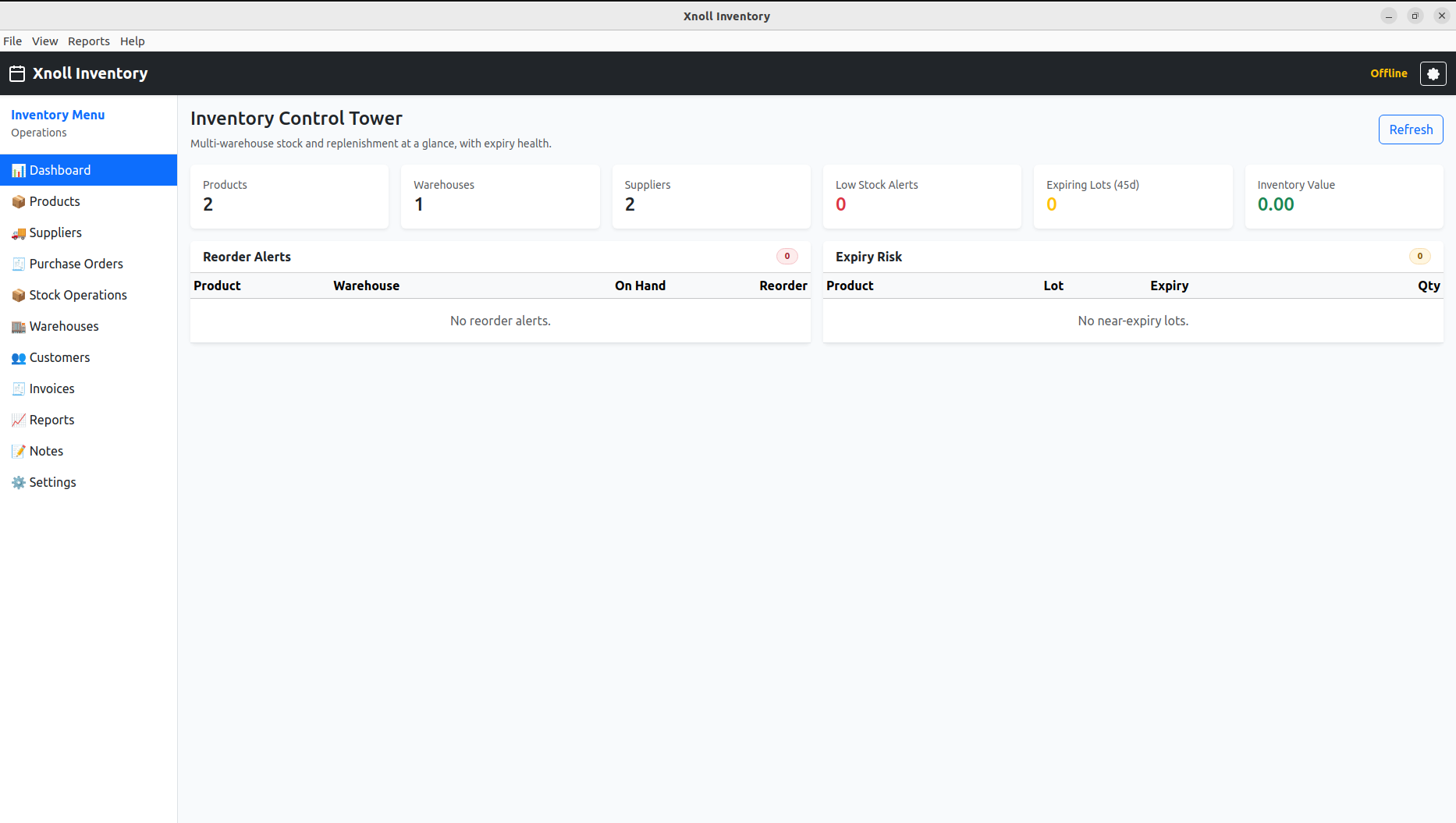
Inventory Control Tower
At-a-glance inventory summary across products, warehouses, suppliers, and alerts.
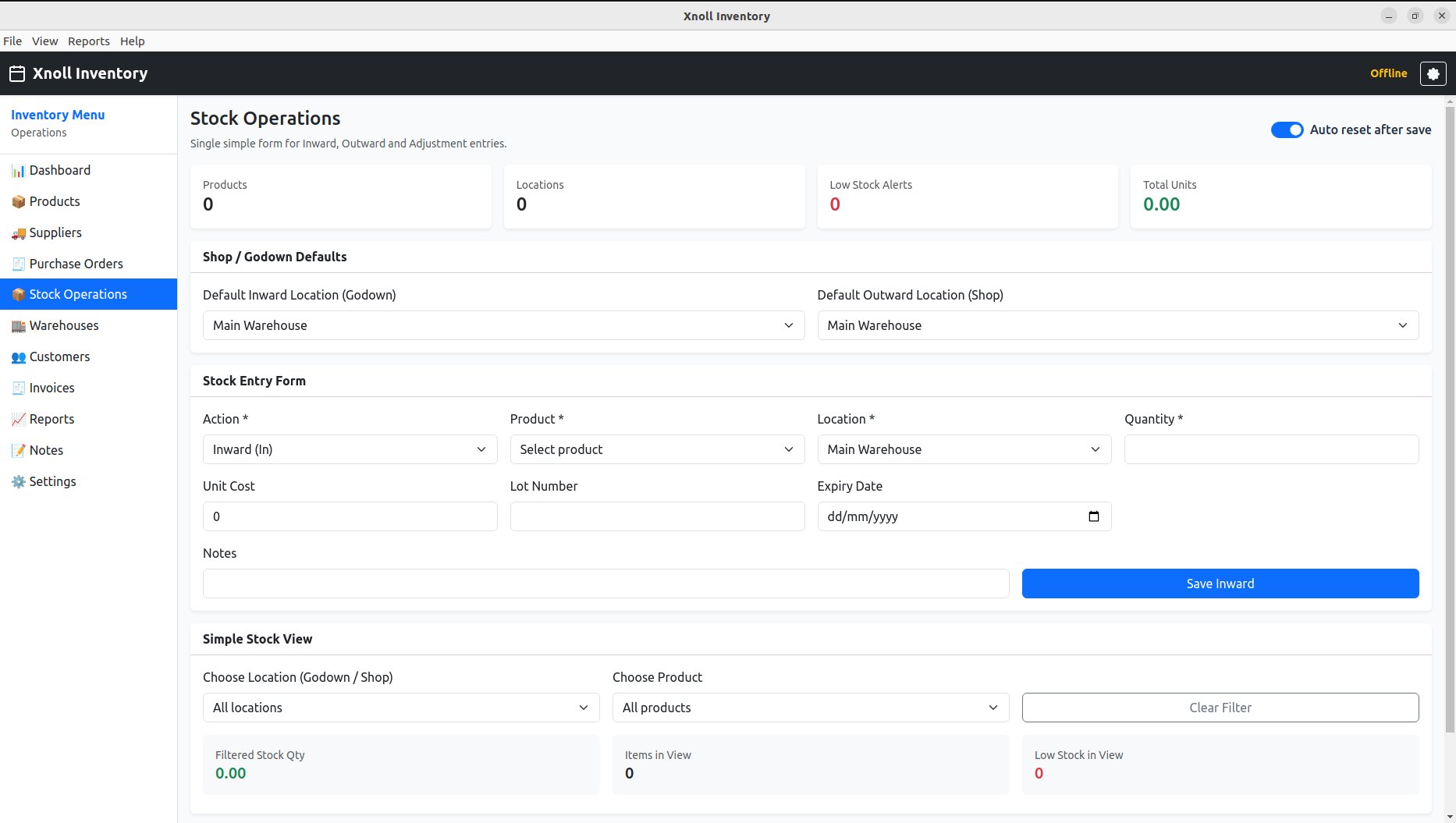
Stock Operations
Simple inward/outward stock entry with location mapping and stock filters.
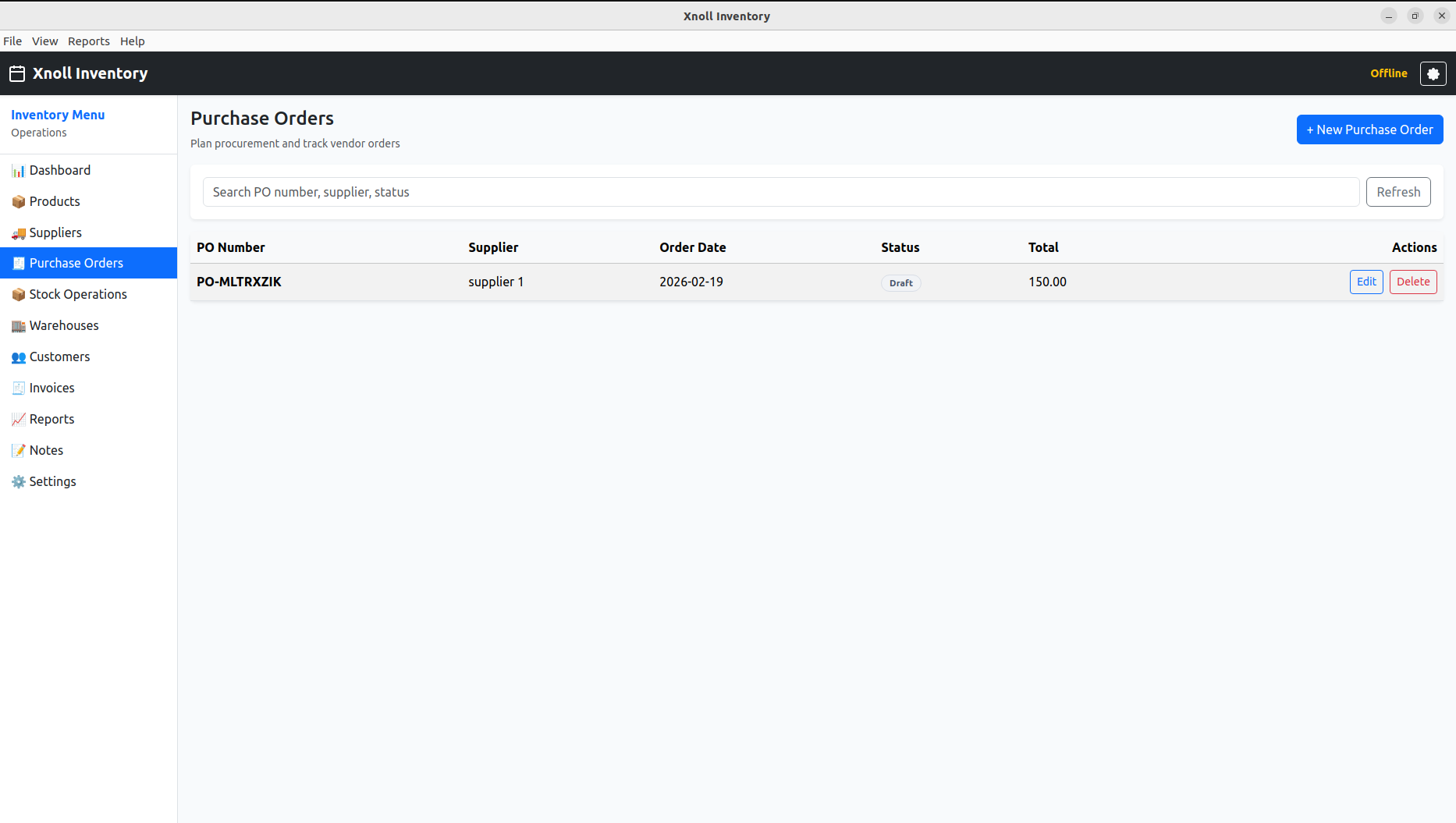
Purchase Orders
Supplier-wise purchase planning with order status and quick action controls.
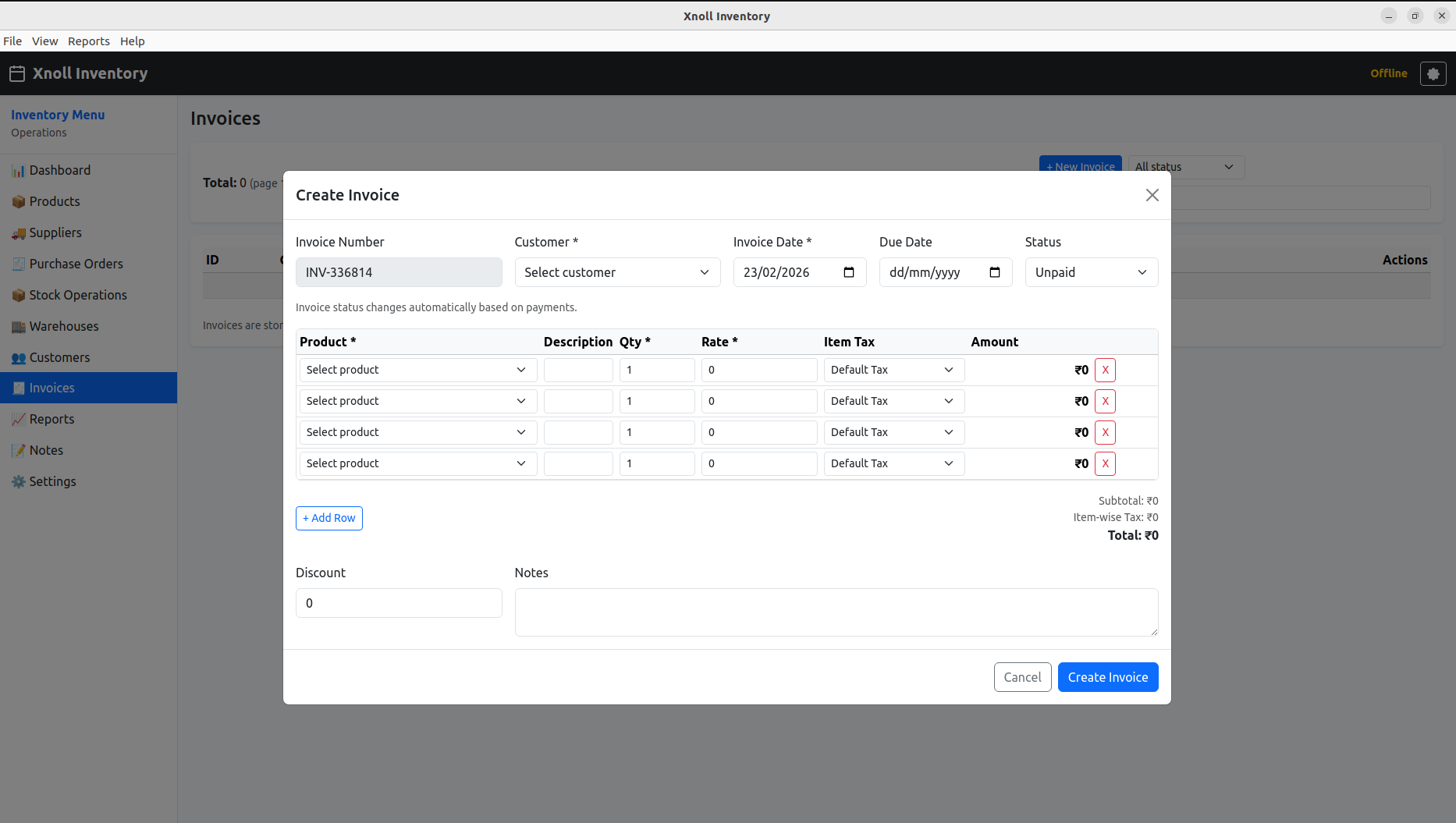
Invoice Creation
Create invoice with line-item tax, notes, and payment status controls.
Desktop benefits for operations teams
- Keyboard-first speed for daily data entry
- Stable workstation workflow for counters and offices
- Offline-friendly execution when network is weak
- Centralized release model with free updates
Connected with your online account
- Same company and user access model
- Desktop downloads today: Booking and Inventory (more may follow)
- Same billing context for online subscriptions where applicable
- Consistent reporting and admin controls
Free offline apps: available now and roadmap
Booking & Inventory (offline desktop)
Free to download for signed-in users. Offline-capable desktop clients with free updates.
More offline desktop modules
Additional free offline tools may be added over time. This page will be updated when new downloads go live.
How free updates are managed
- Release versions are published with metadata from admin tools.
- Desktop app checks for latest compatible release.
- Users receive updates without extra payment.
- Release notes remain visible for transparency.