Booking operations with predictable schedules
Xnoll Booking is designed for service businesses that want to manage appointments, time slots, customers and invoices in one place instead of spreadsheets.
Scheduling layer
- Day, week and month calendar views
- Create, reschedule and cancel bookings
- Service-level time planning and availability controls
Customers and follow-up
- Booking status, including no-shows
- Booking status tracking and follow-up management
- History and notes for repeat service quality
Where booking software fits in your suite
Booking data should not stay isolated. Bookings turn into invoices and payment records, and reports show trends by service, customer and status.
- Connect booking events with invoices and payment records
- Compare scheduled and completed bookings
- Improve service consistency using repeat-customer insights
Use-cases
Salons, clinics, workshops, consultancies, service centers.
Any business where appointment reliability affects revenue and customer trust.
Real Booking online app screenshots
Displayed as-is for clarity. Optional blur mode is available for public launch variants.
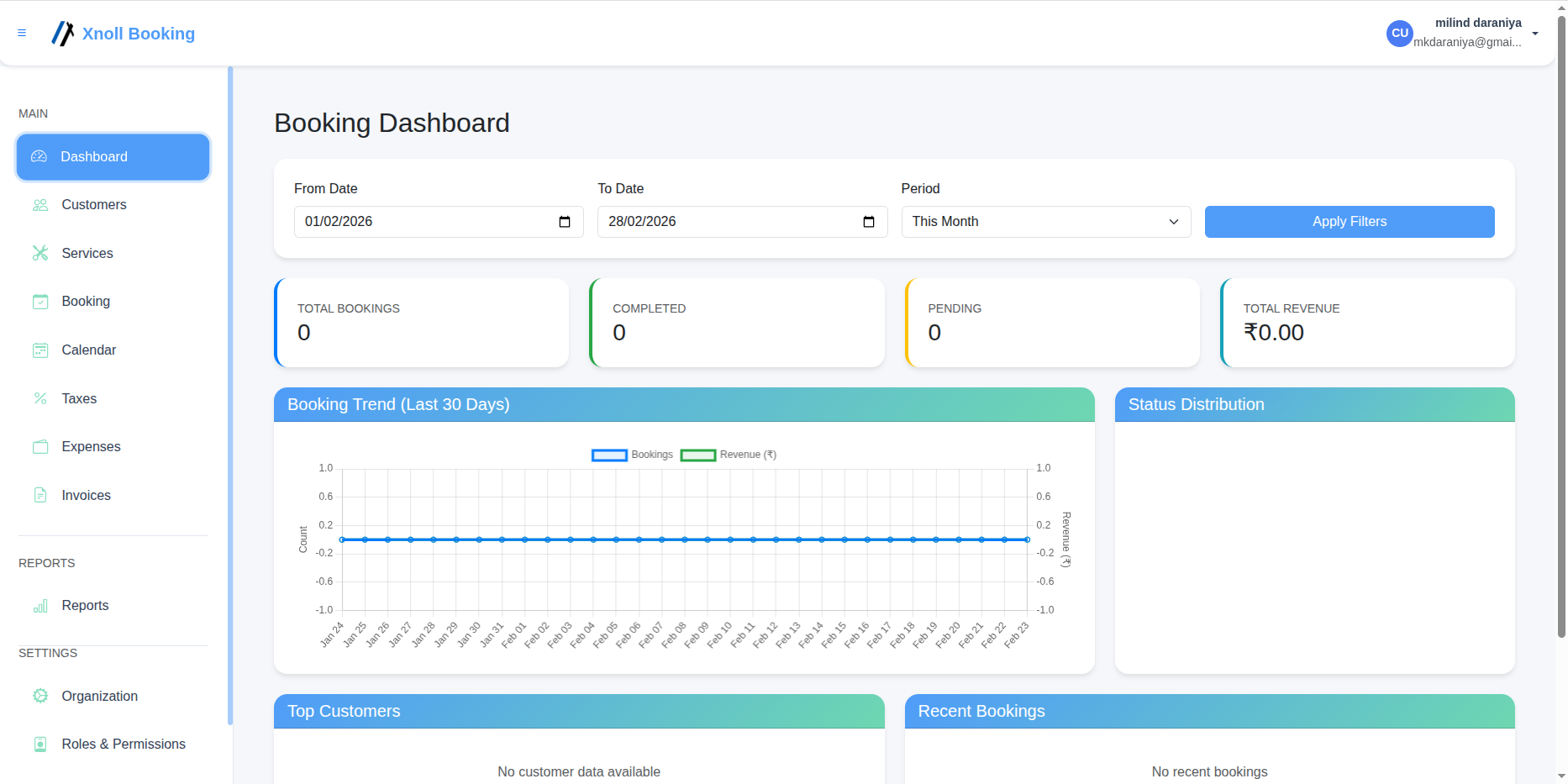
Booking Dashboard
Overview with filters, booking trend, status distribution, and revenue summary.
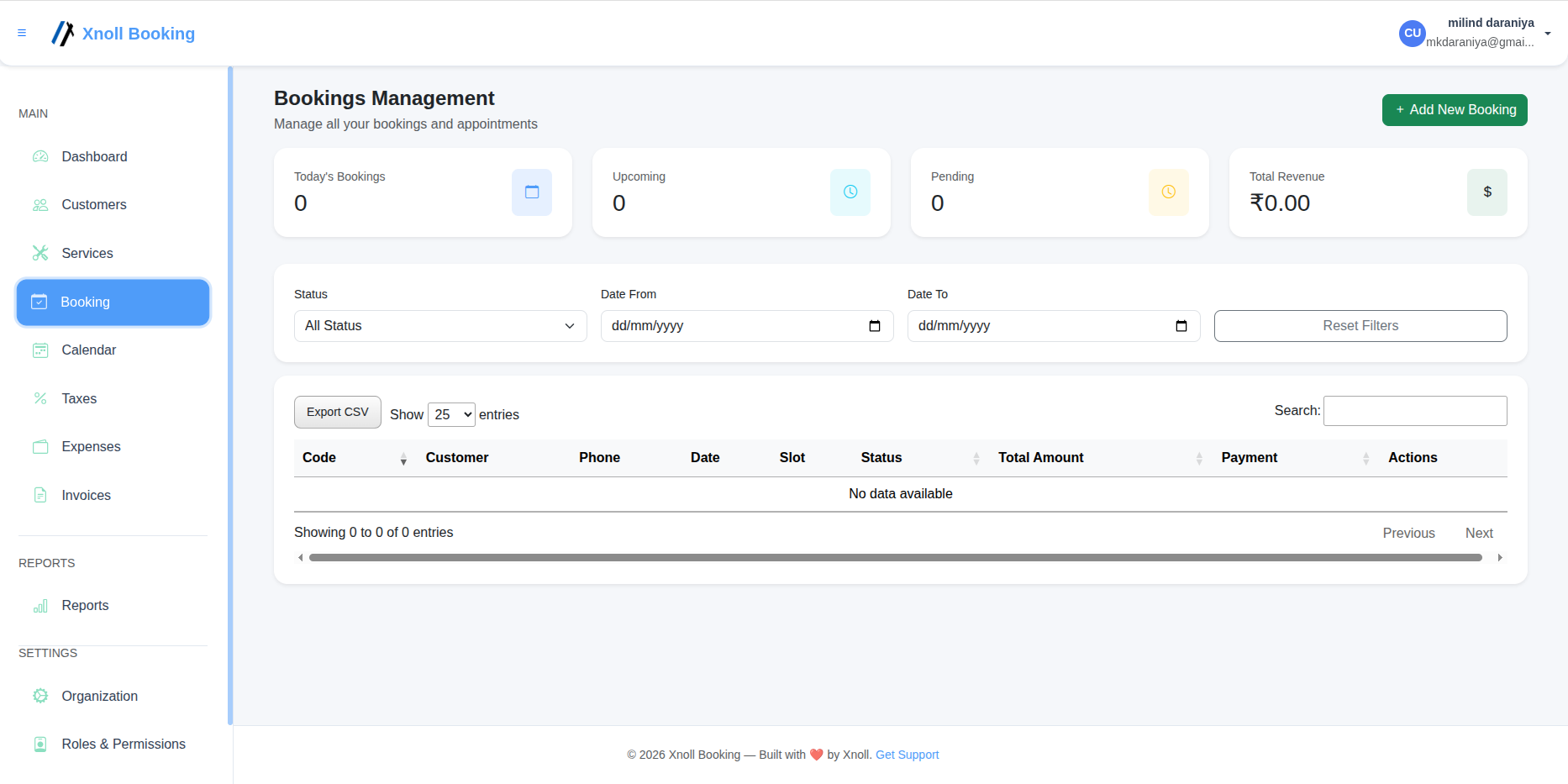
Bookings Management
Daily bookings list with status filters, export tools, and payment tracking columns.
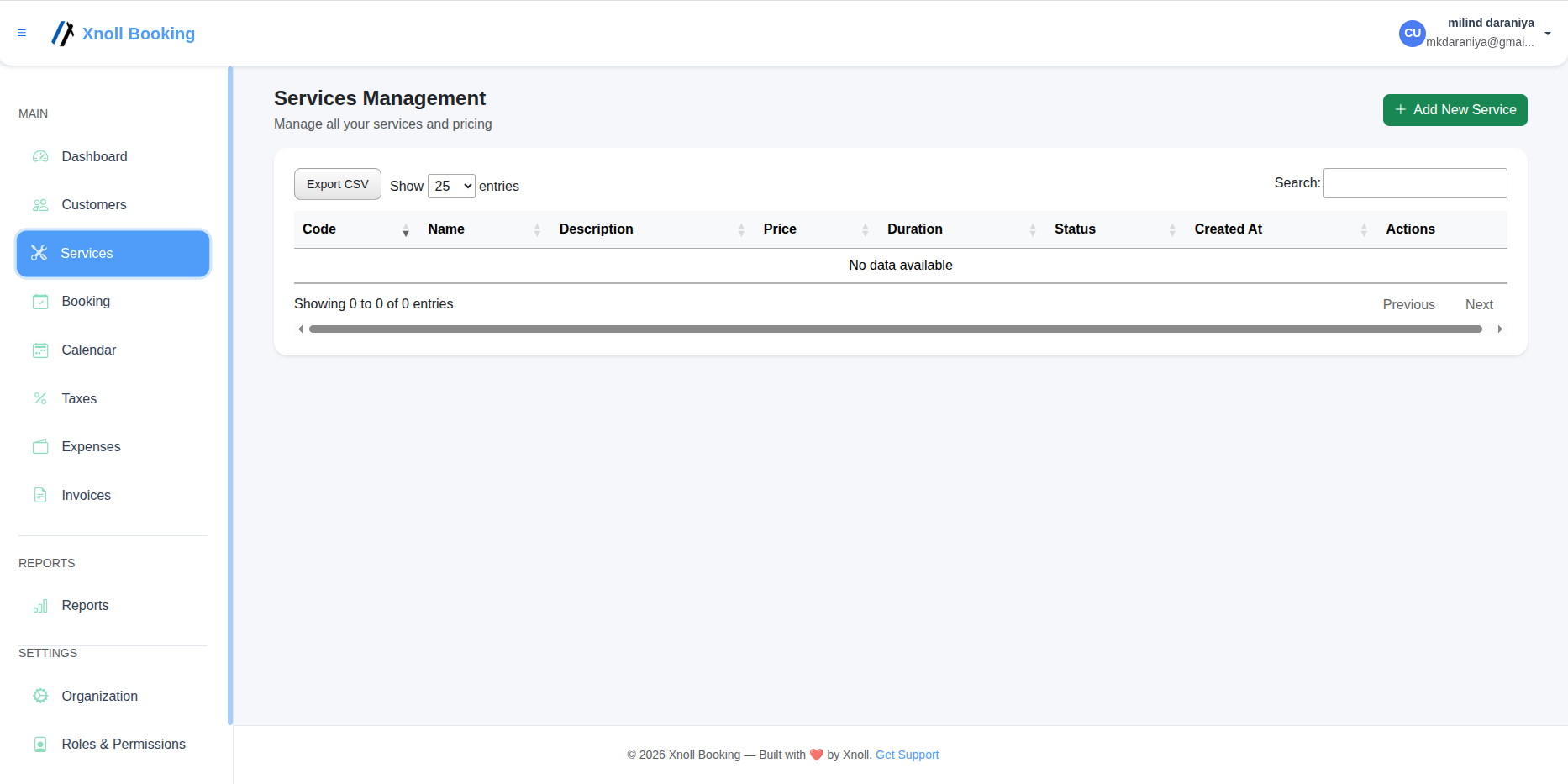
Services Management
Service catalog management with code, duration, pricing, and active status controls.
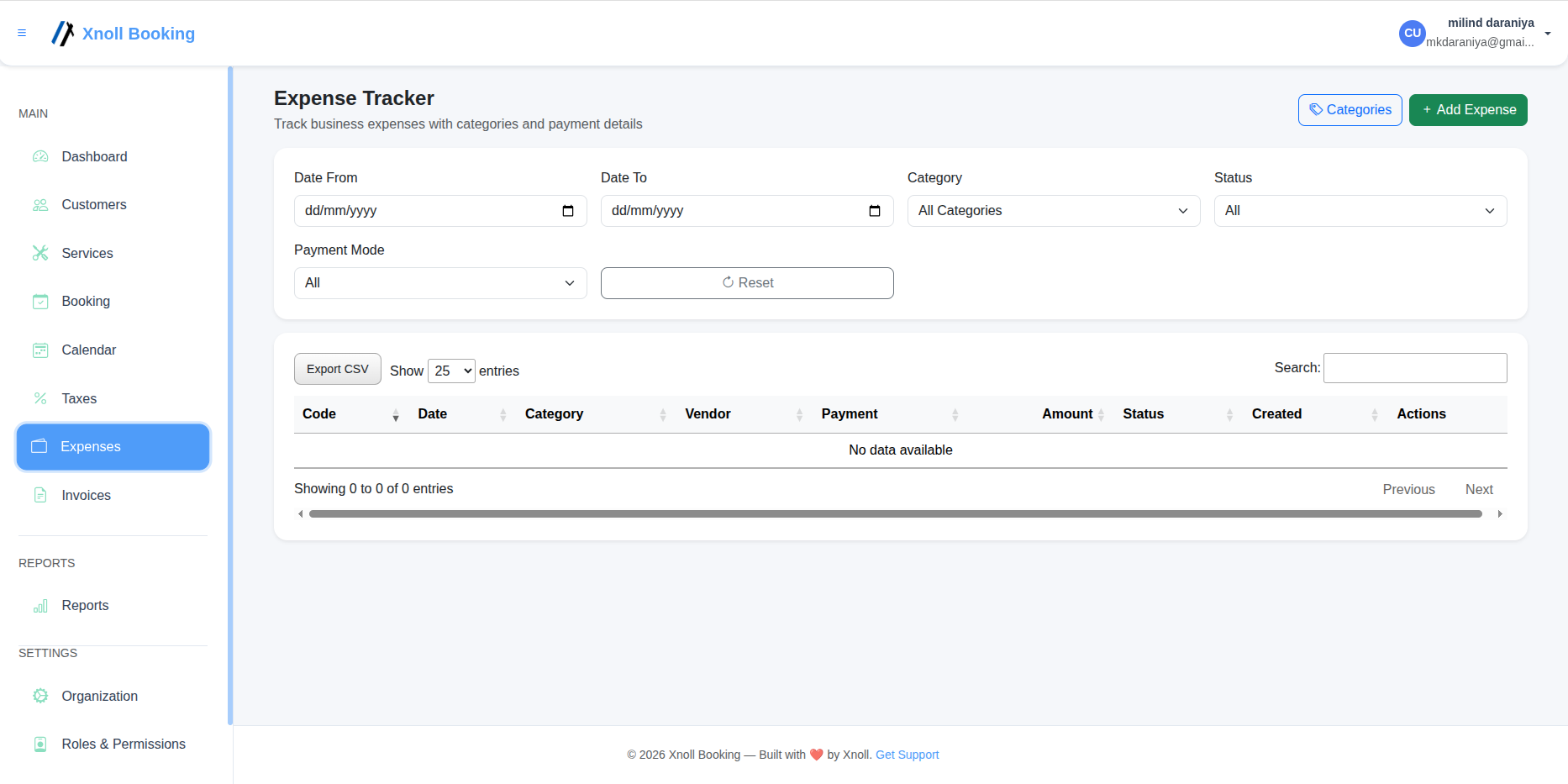
Expense Tracker
Category-wise expense tracking with date/status filters and payment mode visibility.
Booking desktop interface preview
Free forever, works offline, and gets unlimited free updates.
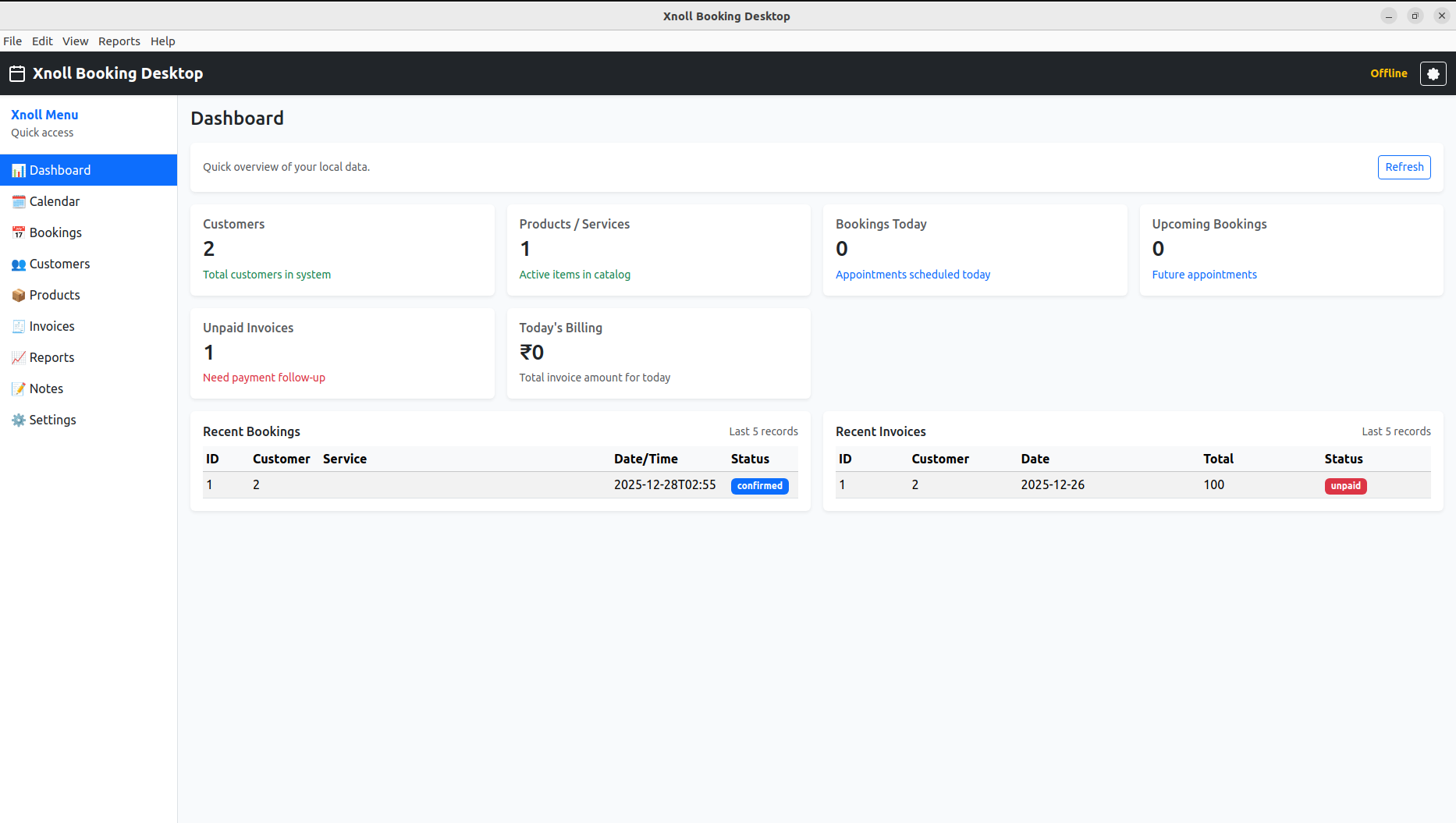
Dashboard Overview
Quick daily snapshot of customers, bookings, invoices, and today billing.
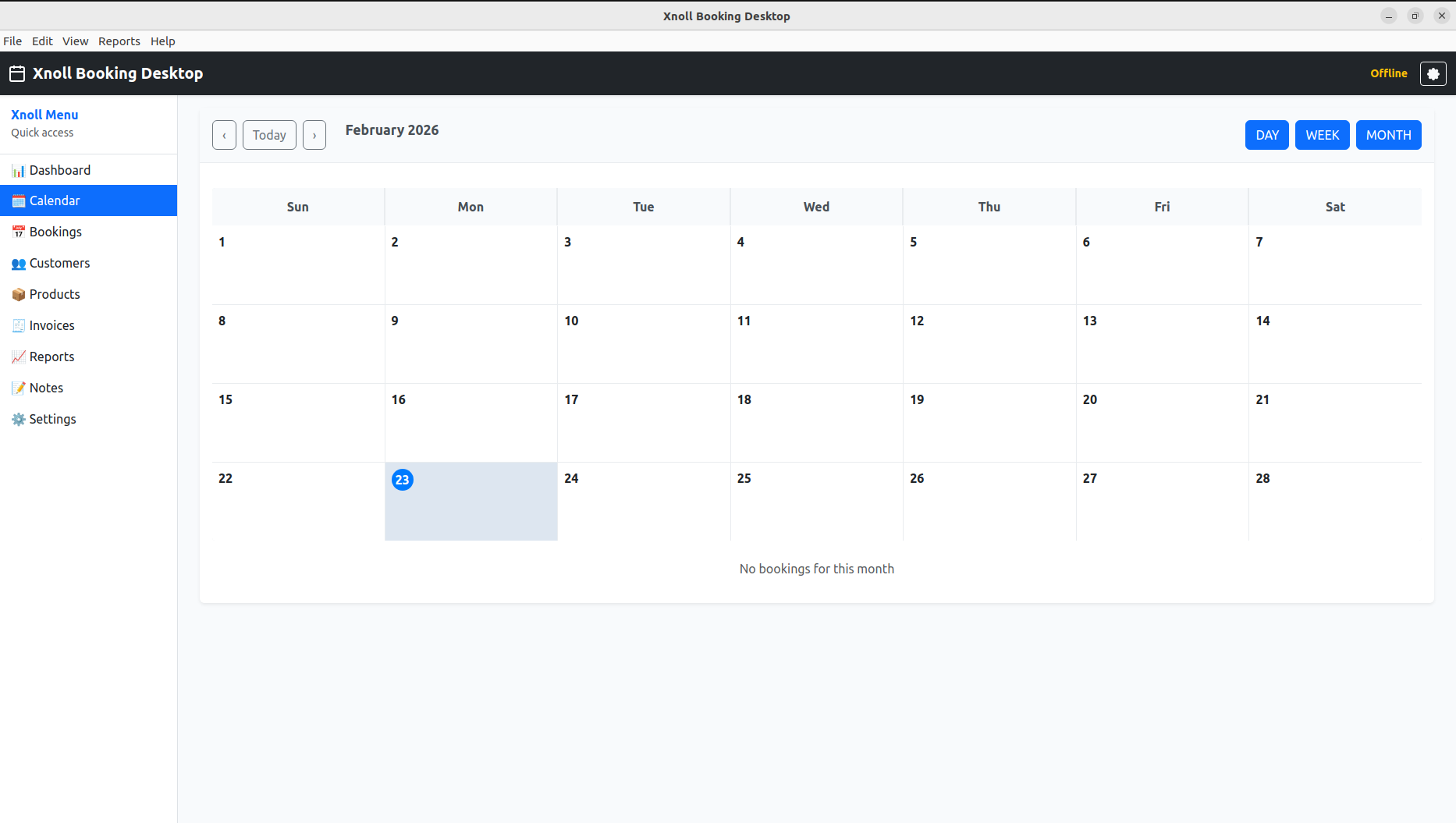
Calendar View
Month/week/day calendar for appointment visibility and staff schedule planning.
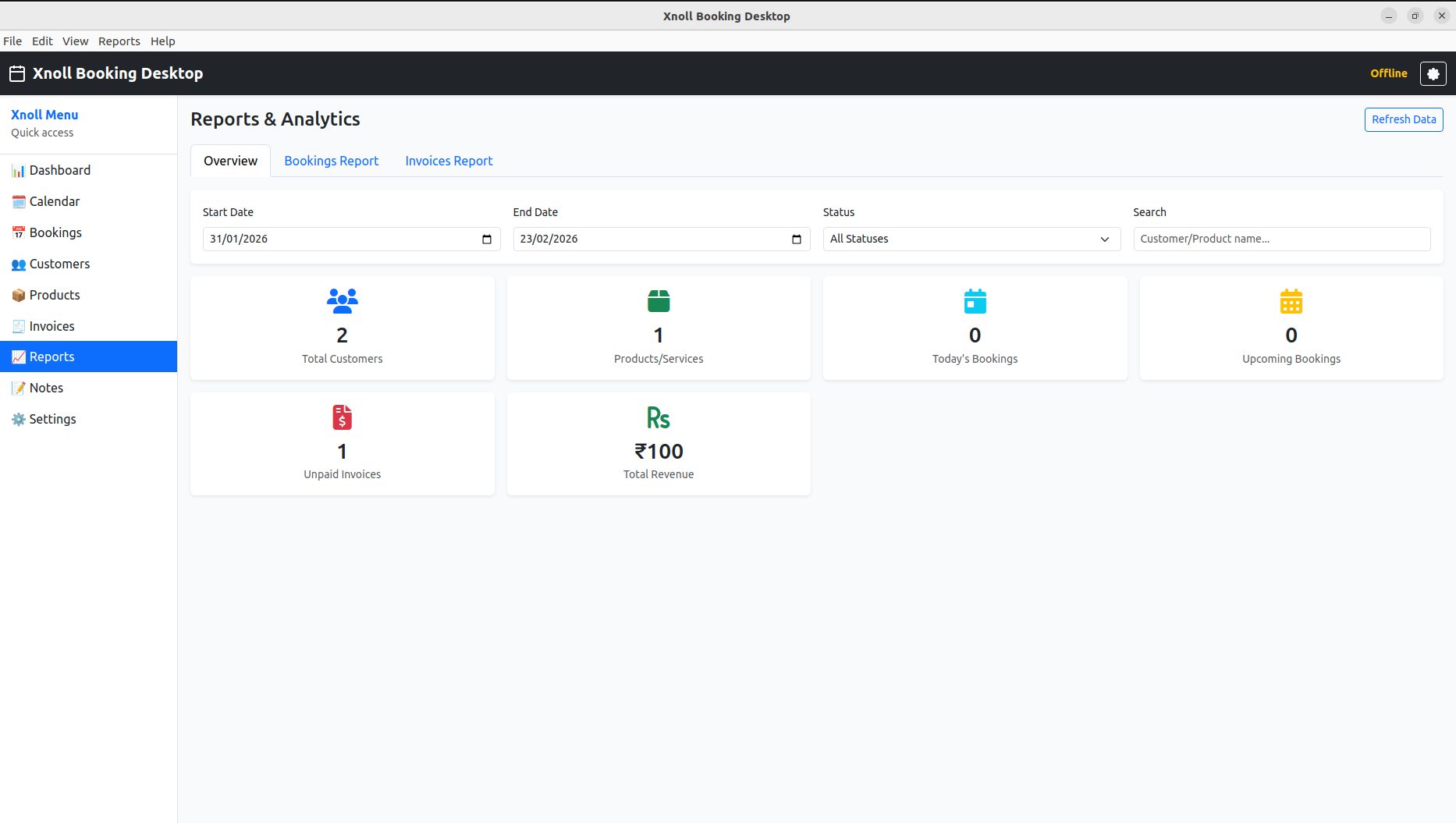
Reports & Analytics
Bookings, invoices, revenue, and summary KPIs for faster operational decisions.
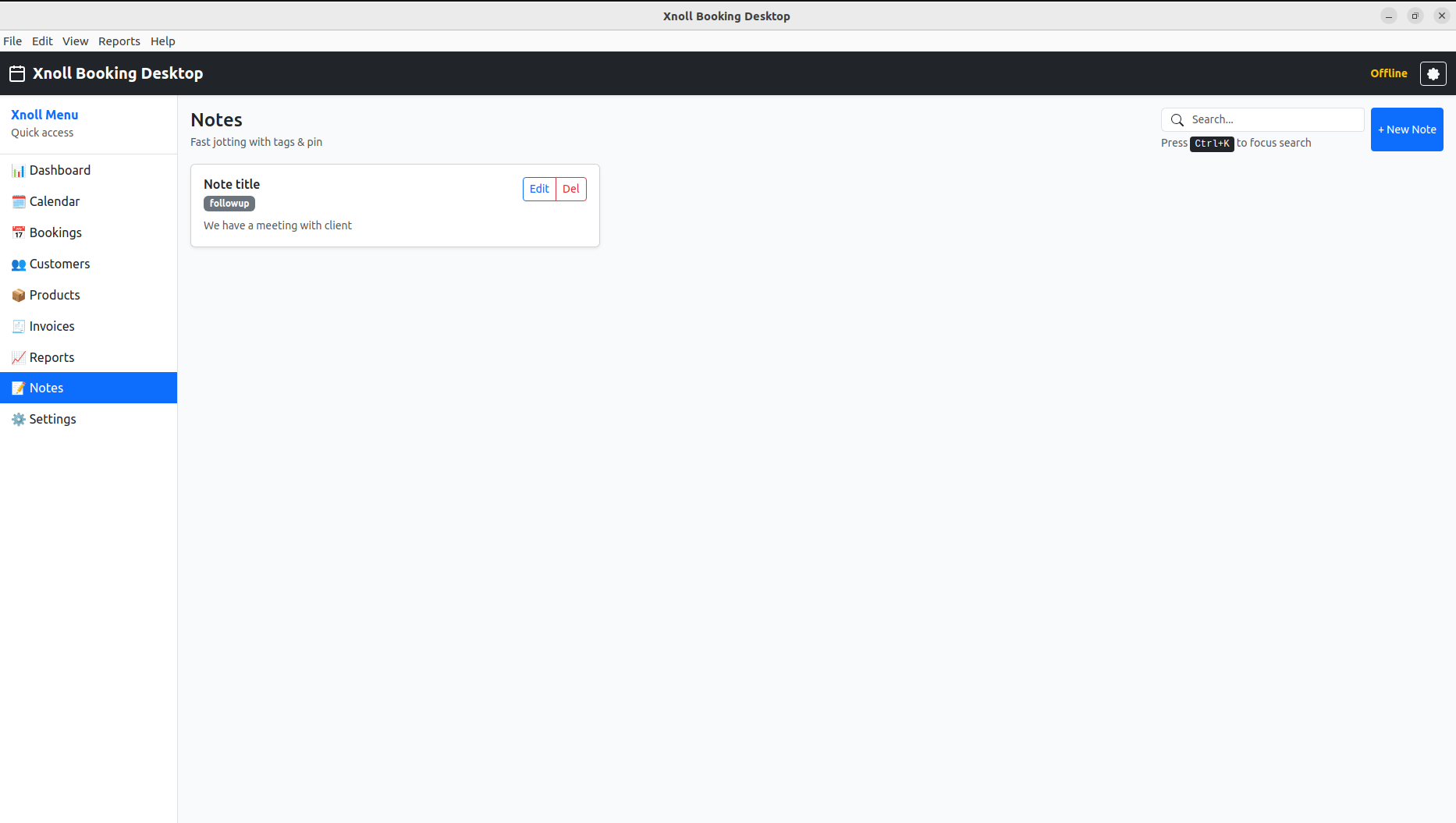
Notes & Follow-up
Pin notes, tags, and reminders for customer follow-up and service context.
Booking FAQ
Does booking work as standalone?
Yes, and it can later connect to your suite-wide billing and reporting model.
Can several team members use Xnoll Booking?
Yes. Invite team members and give each one a role with the permissions they need. Assigning bookings to a staff member is not available yet.
Can booking and ERP coexist under one account?
Yes, that is the core benefit of your multi-product SaaS architecture.